


Pull up Zendesk on G2, and you'll see 4.3 stars and a wall of praise. Pull it up on Trustpilot and it's sitting near 1.8, with customers who sound genuinely done.
Same software, same year, a two-and-a-half-star swing depending on which tab you open.
I read through Zendesk reviews across G2, Gartner Peer Insights, Capterra, and Trustpilot, then spent time inside the Suite. Here's the good, the bad, and who Zendesk is actually built for (and who should keep shopping).
Zendesk reviews and ratings: at a glance
| Review platform | Rating | Reviews | What reviewers focus on |
|---|---|---|---|
| G2 | 4.3/5 | ~7,600 | Verified software buyers rating day-to-day use |
| Gartner Peer Insights | 4.3/5 | ~340 | Enterprise IT and support leaders |
| Capterra | 4.4/5 | ~4,000 | SMB and mid-market admins |
| Trustpilot | 1.8/5 | ~700 | Complaints, mostly billing and support |
The takeaway: the buyer-panel sites and the open complaint site are measuring two different things. More on that below, because it changes how you should read every Zendesk review you find.
What is Zendesk?
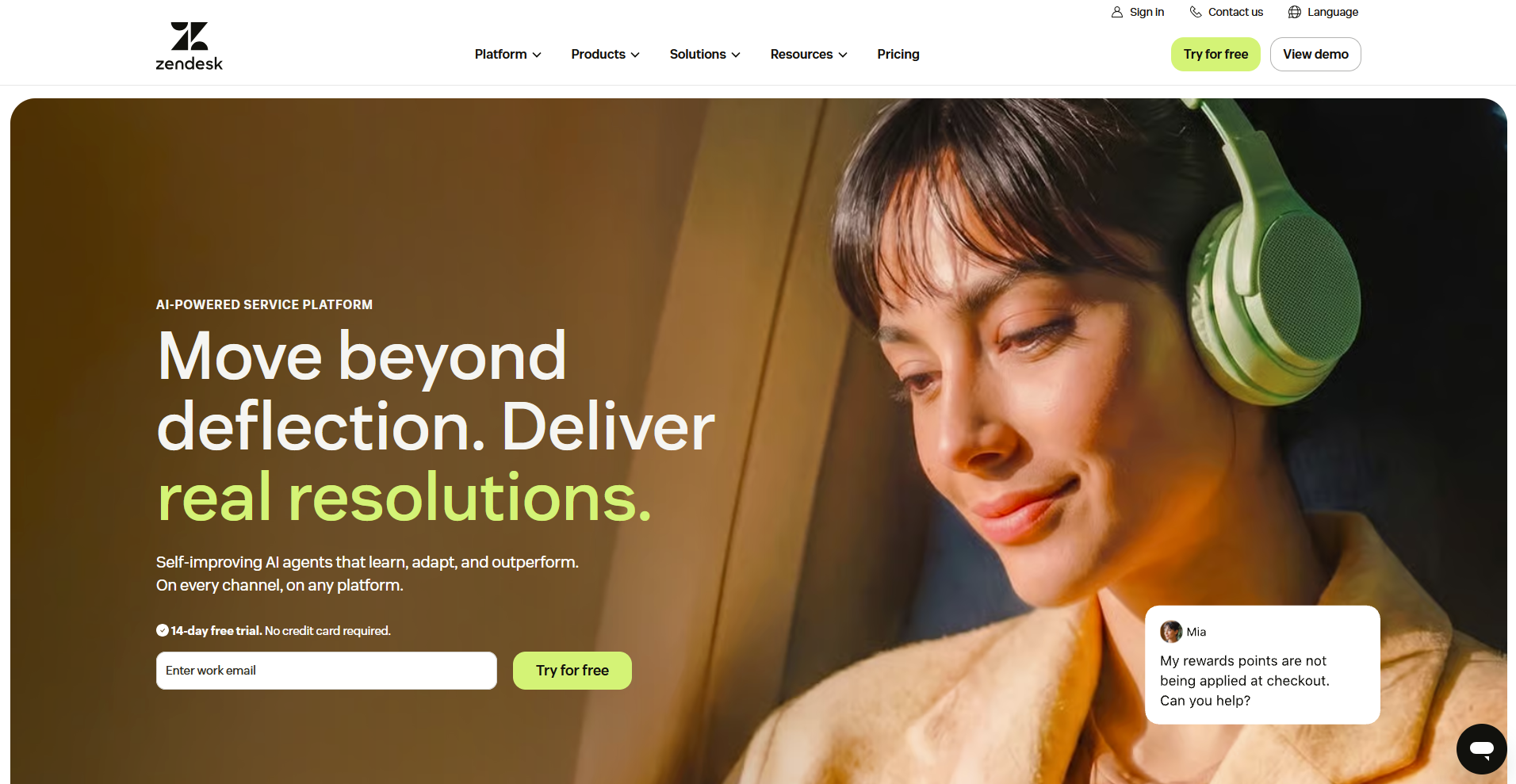
Zendesk for Customer Service is a help desk platform that lets support teams manage tickets, chat, email, voice, and social messages in one place. Teams can use it to handle Zendesk's core ticketing system alongside a help center, live messaging, and voice support, so agents can work across channels without switching tools.
Zendesk also layers AI on top of the product in two tiers:
- AI Agents Essential: A basic tier bundled into the plan that handles autoreply suggestions and article deflection, with a limited number of free automated resolutions per agent each month before overage charges kick in.
- AI Agents Advanced: A more autonomous tier that resolves tickets on its own, priced separately per resolution.
- Copilot: Works alongside human agents by drafting replies, summarizing ticket history, and triggering routine actions based on set procedures.
Zendesk for Customer Service targets mid-market and enterprise support teams that handle a high volume of tickets across a lot of channels.
Key features
Zendesk for Customer Service routes every support conversation, no matter the channel, into a single agent workspace. Support tickets, live chats, phone calls, and social messages all land in one queue, so agents can see a customer's full history before responding:
- Ticketing (Support): Tickets from email, chat, voice, and social channels land in one shared queue. Agents can assign, tag, and escalate tickets, and automated triggers route them based on rules a team sets up in advance.
- Help center (Guide): Guide turns support articles and FAQs into a searchable, customer-facing knowledge base. The same content also feeds Zendesk's AI layer for autoreplies and suggested articles.
- Messaging and live chat: Customers can message through a website widget, mobile app, or channels like WhatsApp and Facebook Messenger. Conversations persist across channels, so a chat can move to email without losing history.
- Voice (Talk): Talk adds phone support inside the same workspace. Every call generates a ticket automatically, and teams pay Suite subscription costs plus usage fees for phone numbers and call minutes, with extra charges for features like recording and transcription.
- AI Agents: AI Agents Essential comes bundled into the plan for lighter tasks like autoreply suggestions and article deflection. AI Agents Advanced resolves tickets autonomously and gets priced separately per resolution.
- Copilot: Copilot drafts replies, summarizes ticket history, and triggers routine actions for human agents, based on procedures a team configures in advance.
Zendesk reviews: what real users say
Reviewers on G2 and Capterra credit Zendesk for Customer Service with pulling scattered channels into one workspace and giving teams visibility they didn't have before. The same reviews also describe a learning curve, ticket-matching quirks, and an AI layer that can still miss context a person would catch.
Here's what users have shared about their Zendesk experience:
The good: what Zendesk does well
- Unified social inbox: A commercial real estate reviewer said social messages stopped piling up in someone's personal phone. Instagram, WhatsApp, and Facebook messages now land in the same workspace as regular tickets, so any available agent can respond, and a customer's channels link as one profile.
- Automation that catches what humans miss: Several reviewers pointed to SLA policies, triggers, and ticket merging catching problems before they compound, from flagging tickets close to breaching a response time to folding duplicate conversations into one thread an agent can act on.
- Copilot leveling up team responses: A consulting reviewer said Copilot's expand feature turns rough notes into a polished reply pulled from the knowledge base and past macros, evening out reply quality across a team with a mix of experience levels.
- Reporting that shows the full picture: Reviewers across company sizes credit Explore's dashboards and SLA tracking for making response times and ticket volume visible in real time, so a team catches a problem before a customer has to complain about it.
- App integrations pulling in outside context: A cloud architect reviewer said installing the Shopify app in the sidebar surfaces order history, tracking numbers, and payment status next to a ticket automatically, cutting out the tab-switching that used to happen on every order question.
The bad: where Zendesk frustrates users
- Slower under heavy ticket volume: A few reviewers said performance can lag once ticket volume climbs, with some tasks needing multiple steps to complete, which can affect response time during busy stretches.
- Ticket merges you can't undo: A market research reviewer said merging tickets isn't reversible, and learned that lesson when a teammate merged the wrong ticket and lost custom field data that didn't carry over to the surviving ticket.
- A learning curve for new users: Reviewers describe a ramp-up period before the platform feels manageable for a new agent, with time needed to learn views, triggers, and configuration options before speed picks up.
- Automation and triggers aren't always intuitive: An IT manager reviewer said figuring out triggers versus automations took some trial and error, including failed attempts at building an SLA-breach alert as a trigger before realizing that check only runs through automation.
- Matching customers across channels isn't foolproof: A few reviewers pointed out that duplicate profiles and sidebar lookups can misfire when a customer messages from a different email or account than the one on file, so some tickets still need a manual check.
Why Zendesk's Trustpilot rating is so low
G2, Gartner, and Capterra collect feedback from verified software buyers, often people who chose Zendesk, configured it, and use it daily. They're rating the product doing its job. Trustpilot is an open review site, so it tends to fill up with people who show up specifically to vent about a bad billing cycle or a support ticket that went nowhere.
The honest read is this: Zendesk holds up as software, and most of the anger online centers on cost, billing, and the quality of Zendesk's own support. I'd weigh the buyer-panel scores for capability and treat the Trustpilot pile as a warning about what life after the sale can look like.
The irony is hard to miss. Zendesk is a customer service platform sitting near 1.8 stars for its own customer service. Reviewers describe slow response times and billing that's easier to start than to stop.
My personal take on Zendesk
Zendesk earns its reputation by solving one problem well: it stops support conversations from scattering across five different tools. The consolidation is what earns the loyalty here. Once tickets, chat, voice, and social messages sit in one workspace, an agent stops losing time hunting for context, and that adds up fast for a team handling significant volume.
The AI layer is where I get more cautious. Zendesk's automation splits into a basic tier and a paid, separately priced advanced tier that resolves tickets on its own. That advanced tier only pays off once a company's help center and ticket history are clean enough to train it.
A newer team can pay full price for autonomous resolution and still get less than the advertised resolution rate.
Here's my take: Zendesk fits a support team that already handles meaningful ticket volume across multiple channels and has the staff to configure it properly. If a business is smaller or new to running a formal support operation, the setup curve and the add-on pricing can outweigh what the platform delivers early on.
Is Zendesk for Customer Service right for you?
After reading through what reviewers experienced and researching how the platform holds up in practice, I'd say it fits some teams well and creates headaches for others:
Who will love it
- Mid-market and enterprise support teams: Zendesk handles a high volume of tickets across a lot of channels without buckling, which is the scenario the platform gets built for.
- Teams juggling channels beyond email: Instagram, WhatsApp, voice, and live chat all land in one workspace, so a team already fielding support across several channels gets a consolidation win.
- Companies with staff to configure it: Triggers, SLA policies, and routing rules take notable setup time, and teams with the bandwidth to build that out get the most out of the platform.
- Businesses that already have clean support data: The AI Agents Advanced tier resolves tickets on its own, but it needs a well-built help center and ticket history to train on, so companies with that foundation already in place see the payoff sooner.
- Teams that need enterprise-grade compliance: SOC 2 Type II, ISO 27001, and HIPAA support on higher tiers matter for companies handling sensitive customer data under security review.
Who should avoid it
- Small teams without dedicated support staff: The learning curve and configuration work assume someone can own the setup, and that's a heavier lift for a small team wearing many hats.
- Budget-sensitive buyers: Copilot, quality assurance, workforce management, and features like advanced data privacy all sit outside the base price, so the true monthly cost tends to climb past the advertised sticker price.
- Newer support operations: AI Agents Advanced depends on ticket history and help center content a young support team hasn't built up yet, so the automation can underperform early on.
- Teams frustrated by past support experiences: Reviewers describe slow response times from Zendesk's own support team when something breaks, which matters if fast help during setup is a priority.
- Anyone expecting instant results: Reviewers describe weeks of configuration before the platform runs smoothly, so a team expecting a quick plug-and-play setup should adjust that expectation early.
The best Zendesk companion for client-facing work: Assembly
My Zendesk review keeps landing on the same gap: it resolves support tickets well, but it doesn't give a service business a branded space for everything else a client needs like onboarding, document requests, or project updates. A ticket gets closed, and the client still has nowhere to log in and see the bigger picture.
Assembly is a client platform with an AI app builder built on top. You describe the client-facing app your team needs, and the app builder builds it, shipping into a client experience your customers already use for their files, messages, and invoices.
Here's what you can do with Assembly:
- Build client-facing apps without code: Choose from pre-made app templates client helpdesk, AI assistant, or resource library- and customize them with Assembly’s AI app builder.
- Ship into a space clients already use: Every app you build lands alongside each client's files, messages, and invoices in one branded experience with magic link authentication, so you're not handing out a separate login.
- Give each client their own view: Assembly sets permissions and branding automatically, so a client sees only their own data in a space that looks like yours, with no extra setup needed after the build.
- Security holds up under scrutiny: Assembly holds SOC 2 Type II compliance and supports GDPR, CCPA, and HIPAA compliance, so client data stays protected.
Handle support with Zendesk, and give clients somewhere to see the rest of the story. Try Assembly for free today.