


Front handles shared inboxes well. But if you're here, something about it still isn't working for you. Maybe you need a feature that only comes on a pricier plan, or maybe you've realized your client work isn't really a ticket queue.
I researched and compared dozens of tools against real client-communication workflows, and Missive, Help Scout, and Zendesk came out as some of the strongest picks. Here are the honest pros and cons of the 9 best tools for 2026.
9 best Front alternatives: TL;DR
- Missive: Best for small, collaborative teams that want Front's shared-inbox feel at a lower price
- Help Scout: Best for small support teams that want a clean interface and thoughtful, human replies
- Hiver: Best for teams that want a shared inbox built into their existing email client
- Gmelius: Best for Gmail teams that want automation and light CRM features layered on top
- Freshdesk: Best for teams that want to grow into full multichannel ticketing over time
- Zendesk: Best for enterprise teams scaling support volume with deep reporting and integrations
- Trengo: Best for teams whose customers mostly reach out through WhatsApp, Instagram, and live chat
- Intercom: Best for SaaS companies that need real-time, in-product support
- Assembly: Best for service firms that want to build client-facing apps inside a branded space clients already log into
Why look for Front alternatives?
Front keeps a shared inbox from turning into a mess of duplicate replies, holding assignments, internal comments, and full conversation history inside one thread so nobody replies without context.
For a support or account team collaborating on that one shared inbox, that's value from day one. But stretch that same setup across a growing team or a roster of long-running client accounts, and a few patterns start pushing people toward the exits:
- Pricing that climbs fast as you add seats: Front's plans run from $25 per user per month on Starter, capped at 10 seats and one channel type, up to $105 per user per month on Enterprise.
- Automation and AI sit behind add-on fees: Copilot, Smart QA, and Smart CSAT are priced as $10 to $20 per seat add-ons below Enterprise, so the price you compare rarely matches what you pay.
- Only one assignee per conversation: A thread can only be assigned to a single teammate at a time, so complex issues that need several people usually end up split across a separate task tool.
- Labels and folders sync once, then stop: Gmail or Outlook labels import when you connect an account, but changes made afterward in either place don't carry over in either direction.
Which Front alternative should you choose?
The right Front alternative depends on how your team actually works, whether that's collaborating inside Gmail, growing into full ticketing, handling messages across WhatsApp and social, or managing long-running client accounts that don’t really fit a support queue.
Choose:
- Missive if you want Front's collaborative feel for less money. Its reporting stays lighter as the team grows, so you may end up building workarounds for deeper service level agreement (SLA) tracking.
- Help Scout if you want a clean, simple inbox for small-team email support. Bring in multiple departments or SLA accountability, and the setup starts to strain.
- Hiver if your team lives inside Gmail and wants support tools layered on top. It now supports Outlook too, though its roots and deepest feature set are still built around Gmail.
- Gmelius if you want Gmail-native automation with light CRM features. It stays thinner on true omnichannel support, so WhatsApp or social messaging still need a separate tool.
- Freshdesk if you want to grow into full multichannel ticketing over time. Freshdesk, Freshchat, and Freshcaller run as separate apps, which can fragment the customer context you're trying to centralize.
- Zendesk if you're scaling support volume and need deep reporting plus a huge integration library. Setup and admin overhead take real resources, so smaller teams often find it heavier than they need.
- Trengo if your customers mostly reach you through WhatsApp, Instagram, and live chat. Complex multi-team escalations aren't its strength, so deeper cross-department handoffs can get messy.
- Intercom if you run real-time, in-product support for a SaaS product. Its usage-based pricing on Fin resolutions can climb fast, and long-running email threads aren't what it's built for.
- Assembly if managing ongoing client relationships is really the job you're hiring a tool to do. It's a weaker match for high-volume logged-out support queues.
Stick with Front if you're a mid-market B2B team that lives in a conversation-first shared inbox, and the current pricing still works for your headcount.
9 best Front alternatives: at a glance
| Tool | Best for | Starting price |
|---|---|---|
| Missive | Collaborative email for small teams switching off Front | $14/user/month |
| Help Scout | Straightforward, human email support | $25/user/month for up to 25 users |
| Hiver | Managing shared inboxes from inside your existing email client | $25/user/month (Hiver Omni) |
| Gmelius | Automation and light CRM for Google Workspace teams | $19/user/month |
| Freshdesk | Multichannel ticketing that scales with the team | $19/agent/month |
| Zendesk | Enterprise-grade reporting and integration depth | $19/agent/month |
| Trengo | WhatsApp, Instagram, and live chat in one inbox | $347/month, includes 10 users |
| Intercom | Real-time, in-product support for SaaS companies | $29/seat/month |
| Assembly | Building client-facing apps inside a branded client space | $29/month |
Billed annually
*Pricing correct as of August 2026. Confirm with vendor.
1. Missive: Best for collaborative email for small teams switching off Front
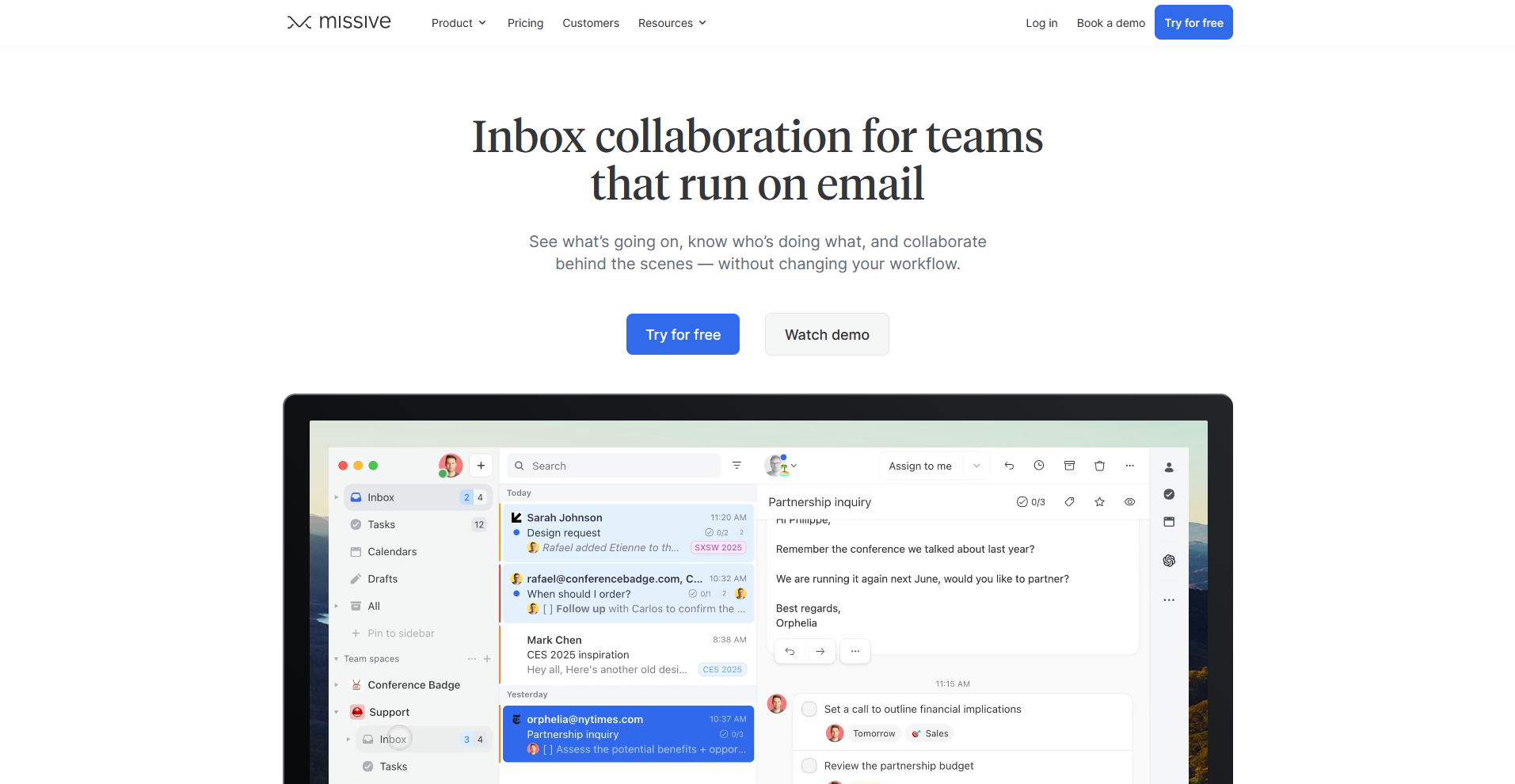
Missive is a shared email inbox made to feel like a normal email client. It lets a whole team collaborate on drafts, assign conversations to more than one person, and sync labels in both directions with Gmail, Outlook, and other providers.
Reporting and automation features here are simpler than a full help desk, so teams with heavy SLA tracking or self-service needs may hit a ceiling faster.
Key features
- Draft collaboration: Edit a reply together with teammates in real time before it sends.
- Multi-channel inbox: Bring email, SMS, WhatsApp, Instagram, and Messenger into one shared view.
- Task creation: Convert any conversation into a task with an assignee and a due date.
Pros
- Familiar email client layout that keeps the learning curve low
- Assign a single conversation to multiple teammates at once
- Two-way sync keeps labels and folders matching your email provider
Cons
- Reporting stays lighter than dedicated help desk platforms
- No built-in knowledge base for self-service support
Best for
- Small teams that want to keep the feel of a normal email client
- Teams juggling Gmail, Outlook, and other providers side by side
- Groups that want tasks tied directly to conversations instead of a separate project tool
Pricing
Missive starts at $14 per user per month.
2. Help Scout: Best for straightforward, human email support
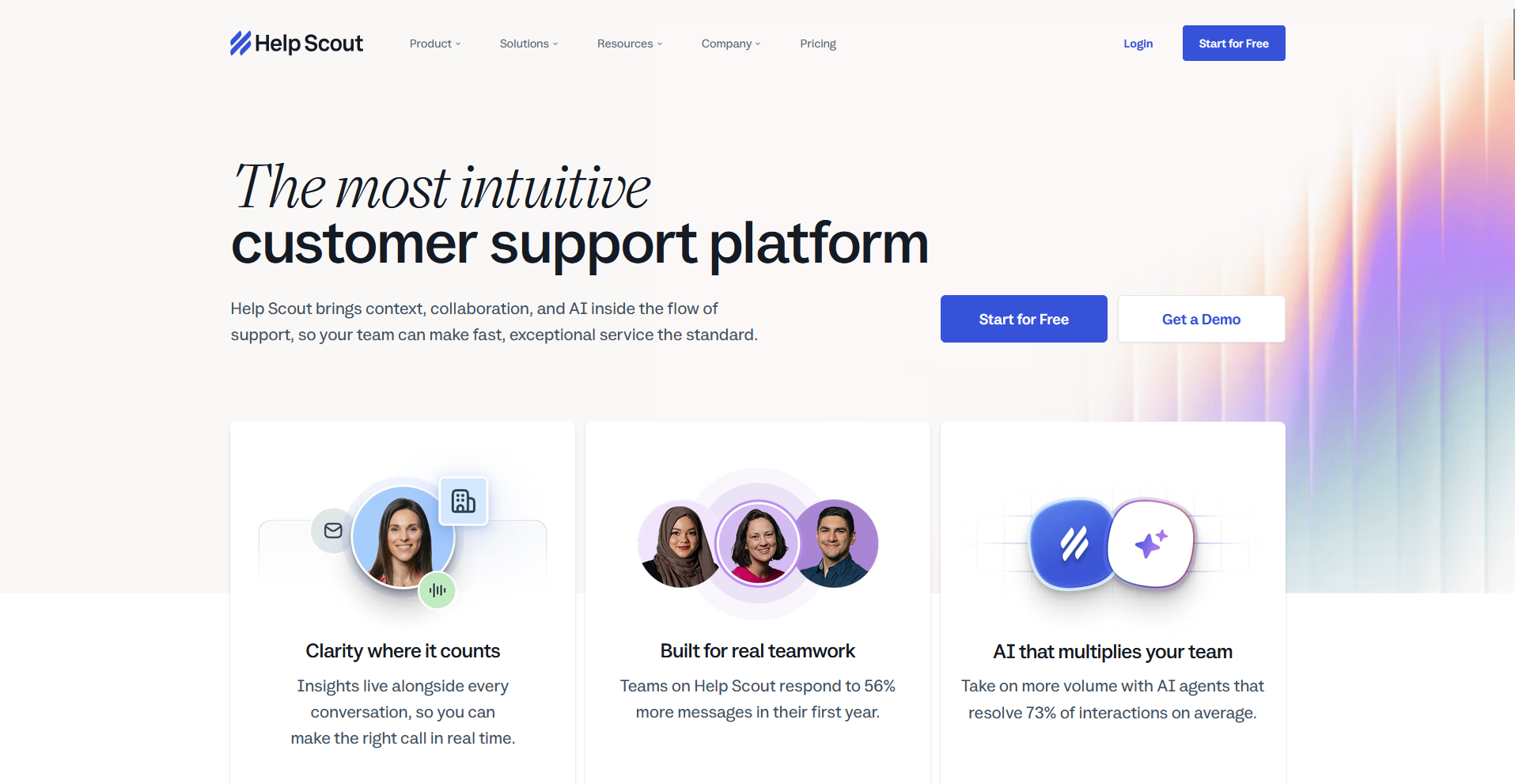
Help Scout is a shared inbox offering a clean design and simple, human replies. It gives small support teams collision detection, a searchable knowledge base, and a wide range of integrations across analytics, e-commerce, and marketing tools. Bring in multiple departments or SLA accountability at scale, and the setup starts to strain.
Key features
- Collision detection: Alert teammates when someone else is already replying to the same email.
- Knowledge base: Publish self-service docs that answer repeat questions before they reach an inbox.
- Integrations: Connect a wide range of apps across analytics, e-commerce, and marketing.
Pros
- Clean interface that keeps daily use simple
- Fast setup with minimal onboarding time
- Strong knowledge base tooling for self-service support
Cons
- Multi-department workflows and SLA tracking strain the platform at scale
- No built-in multi-assignee option for a single conversation
Best for
- Small teams handling straightforward email-based support
- Groups that want a searchable knowledge base without a separate tool
- Teams that value a clean, simple interface over deep customization
Pricing
Help Scout starts at $25 per user per month for up to 25 users.
3. Hiver: Best for managing shared inboxes from inside your existing email client
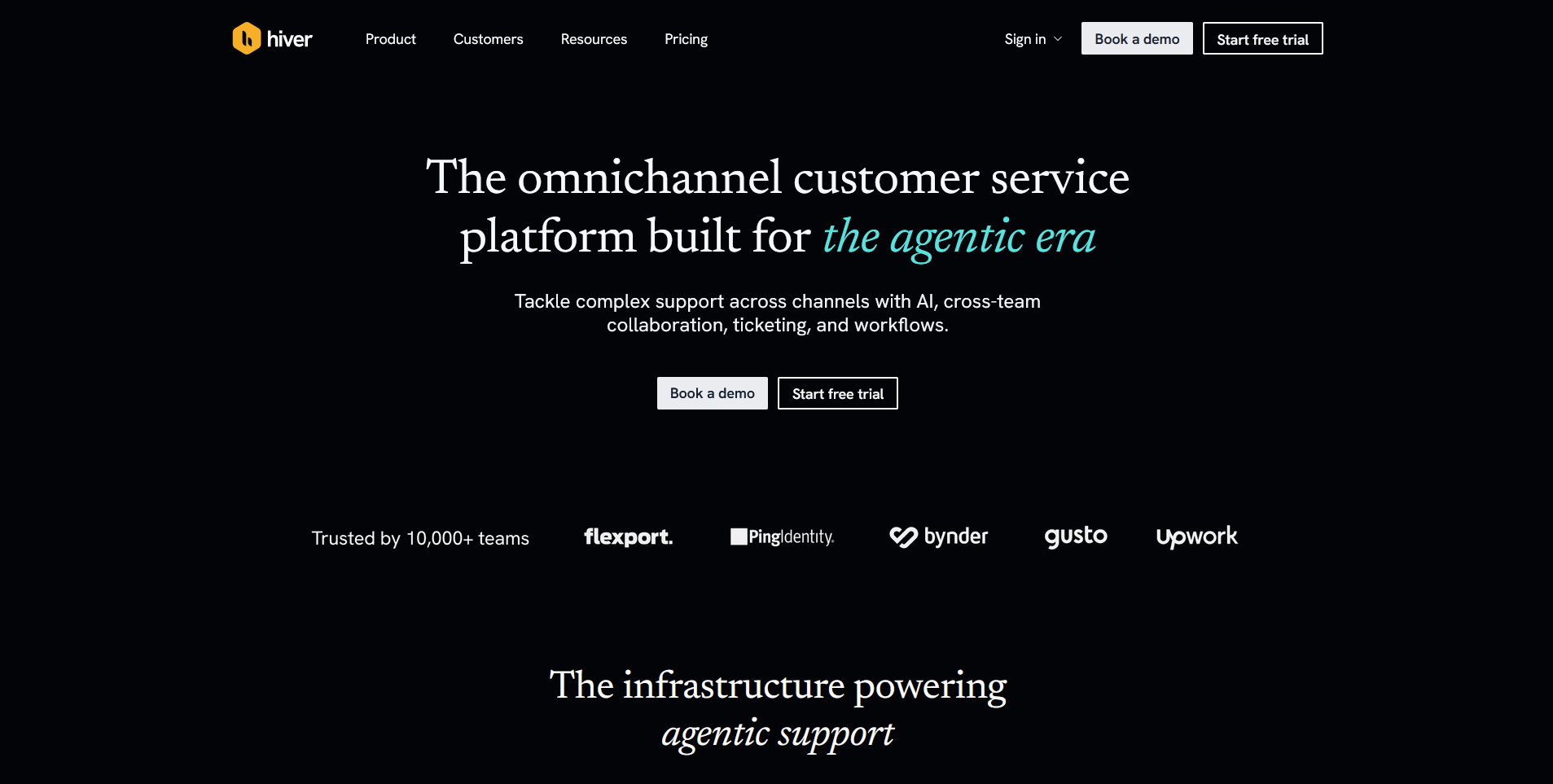
Hiver runs a shared inbox directly inside the email client your team already uses, supporting both Gmail and Outlook. It layers on email tagging, assignments, automations, and customer satisfaction score (CSAT) surveys without asking anyone to learn a new interface.
Automation is surface-level next to full helpdesk platforms, so self-service deflection and complex routing still need a heavier tool.
Key features
- Native inbox integration: Assign, tag, and track emails from directly inside Gmail or Outlook.
- Automation rules: Auto-assign or reassign emails based on workload and rule conditions.
- CSAT surveys: Collect customer satisfaction scores without adding a separate tool.
Pros
- Almost no learning curve for teams already on Gmail or Outlook
- Built-in CSAT collection without extra setup (Pro plan)
- Collision alerts prevent duplicate replies
Cons
- Automation and routing stay basic compared to full helpdesk platforms
- No self-service knowledge base for deflecting repeat questions
Best for
- Teams that want support tools without leaving their email client
- Groups split across Gmail and Outlook who need one shared approach
- Small teams that want CSAT tracking without a dedicated tool
Pricing
Hiver starts at $25 per user per month, but CSAT surveys and SLA tracking are only available on the Pro plan at $55 per user per month.
4. Gmelius: Best for automation and light CRM for Google Workspace teams
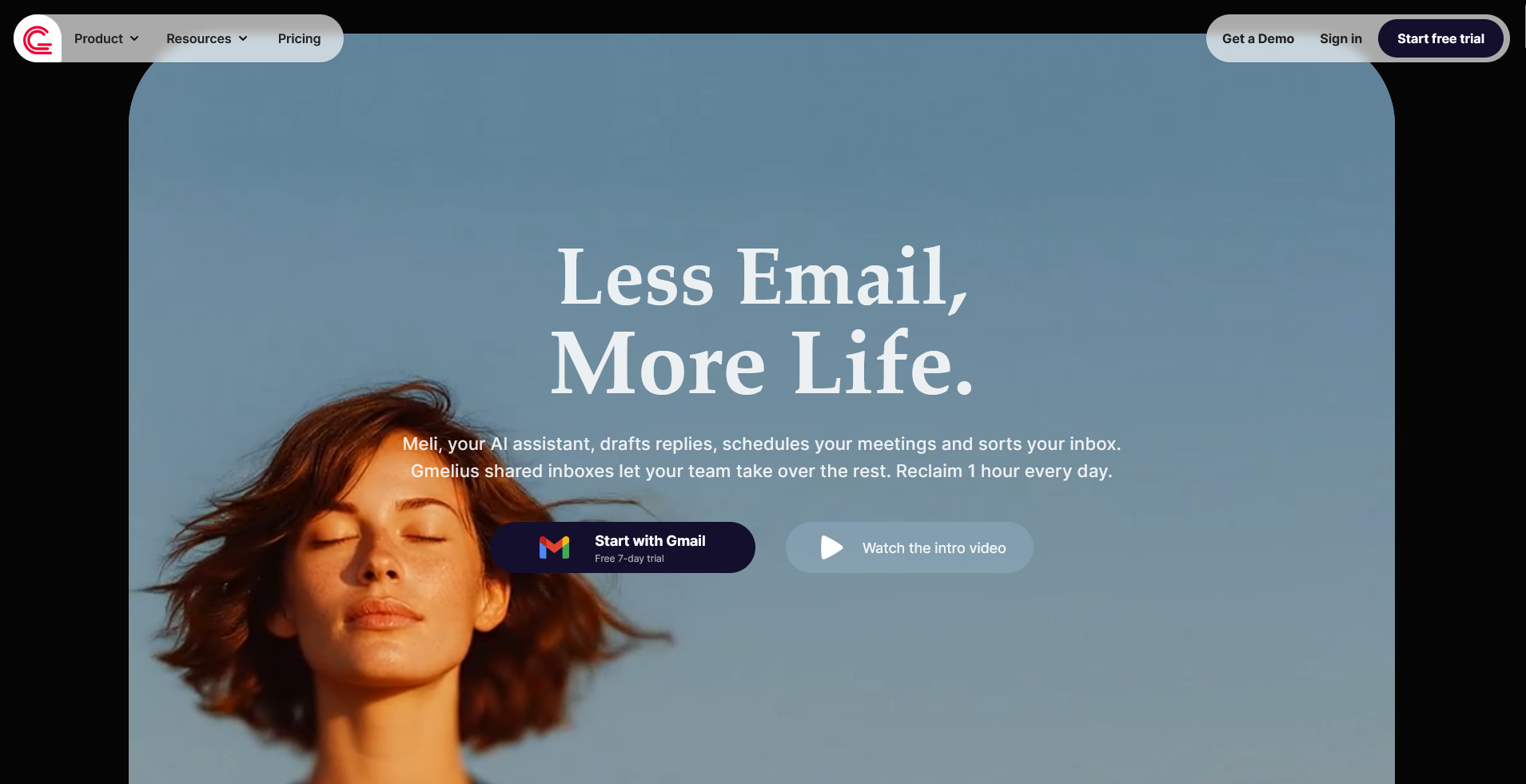
Gmelius turns Google Workspace into a shared workspace, adding a shared inbox, email templates, and Kanban-style boards on top of Gmail. It leans harder into automation and workflow than most Gmail-native tools, tracking sequences and follow-ups without a separate CRM.
Multi-channel support is thinner here, so teams that need WhatsApp or social messaging usually have to add another tool.
Key features
- Shared inbox: Collaborate on email directly inside Google Workspace.
- Automation sequences: Trigger follow-ups and reminders based on rules you set.
- Kanban boards: Turn emails and requests into visual pipelines for tracking work.
Pros
- Deep automation for a tool built on Gmail
- Visual boards give teams a clear view of workload
- No separate app required beyond Gmail and Google Workspace
Cons
- Works only with Gmail and Google Workspace today. Outlook support is announced and in early access signup, but isn't generally available yet.
- Multi-channel support stays limited next to full helpdesk platforms
Best for
- Google Workspace teams that want more than a shared inbox
- Groups that want to visualize requests as Kanban cards
- Teams that want automation without adopting a separate CRM
Pricing
Gmelius starts at $19 per user per month.
5. Freshdesk: Best for multichannel ticketing that scales with the team
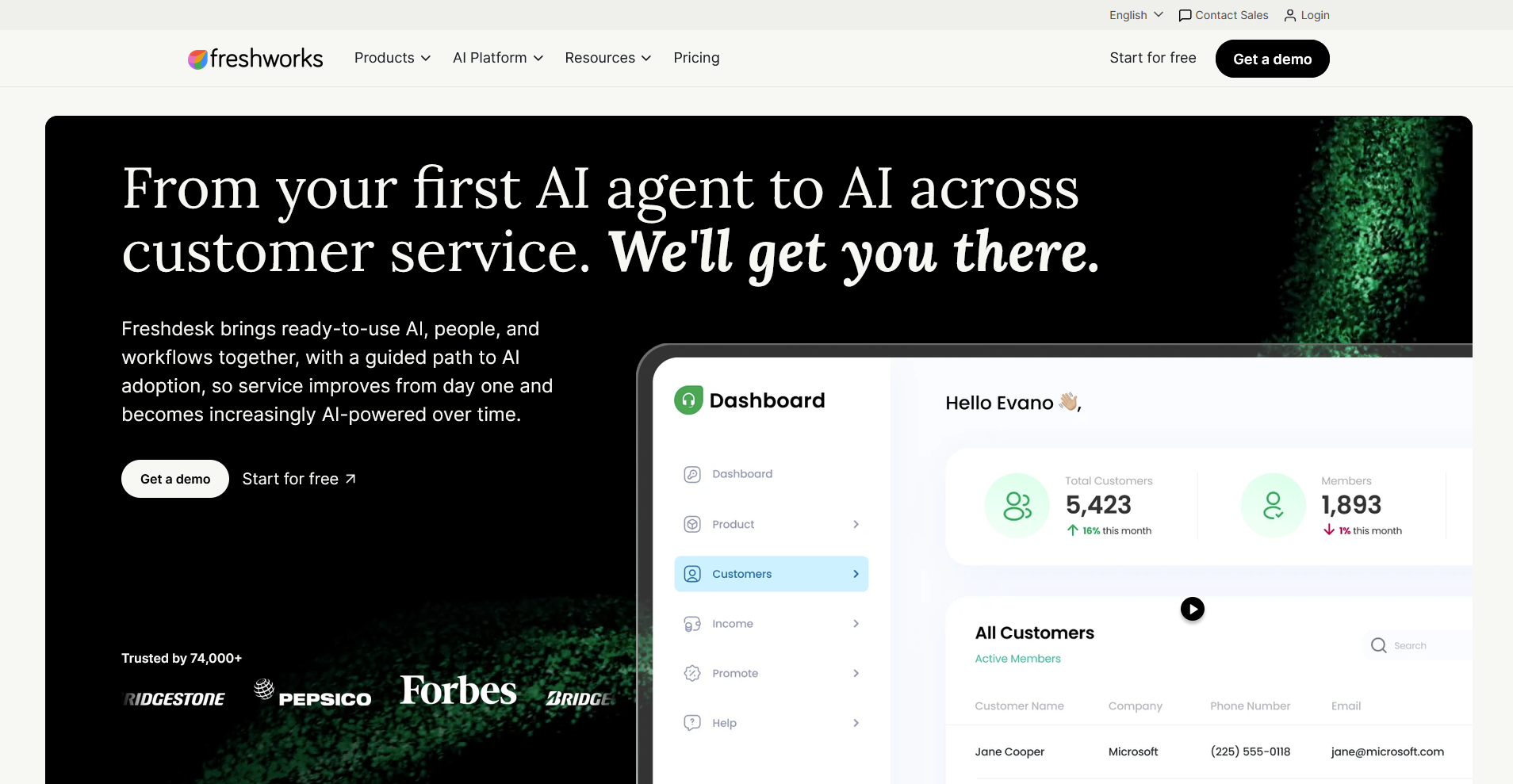
Freshdesk, from Freshworks, gives growing teams a full multichannel help desk with ticketing, live chat, automations, and a knowledge base. It scales into serious ticket volume as a team grows past a basic shared inbox. Freshdesk, Freshchat, and Freshcaller run as separate apps, so agents adding channels can end up switching between interfaces and losing customer context along the way.
Key features
- Multichannel ticketing: Manage requests across email, chat, and phone in one system.
- Automation rules: Route and prioritize tickets based on conditions you set.
- Knowledge base: Publish self-service answers that deflect common questions.
Pros
- Scales into serious ticketing volume as a team grows
- Strong automation options for routing and prioritization
- Broad channel coverage across email, chat, and phone
Cons
- Separate apps for chat and phone can fragment customer context
- Higher tiers add cost as agents and features scale up
Best for
- Teams that expect to grow into full ticketing over time
- Groups that want live chat and phone support alongside email
- Teams that want strong automation without a steep setup
Pricing
Freshdesk starts at $19 per agent per month for ticketing alone. To get the full multichannel experience with chat and phone in one unified inbox, you move to Freshdesk Omni, which starts at $29 per agent per month.
6. Zendesk: Best for enterprise-grade reporting and integration depth
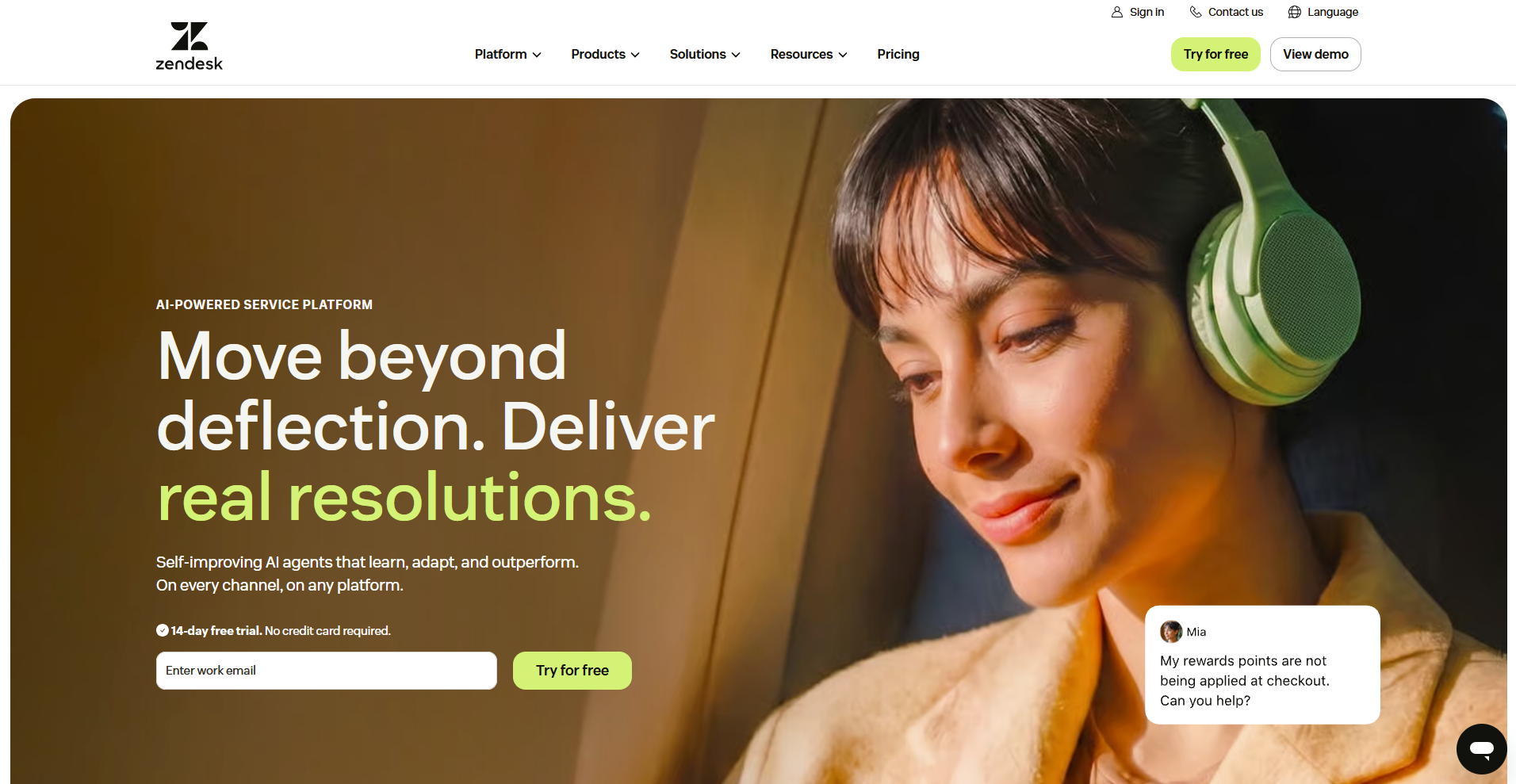
Zendesk is a heavyweight support platform built for teams scaling support volume, with a unified agent workspace and over 1,500 apps in its marketplace. It gives large teams deep, customizable reporting across every channel, from SLA compliance to CSAT trends.
Setup, admin, and ongoing iteration take dedicated IT and operations time, so smaller teams often find it heavier than what they actually need.
Key features
- Omnichannel workspace: View and respond across email, chat, voice, and social in one place.
- Custom reporting: Build analytics dashboards tracking SLA compliance and CSAT trends.
- AI ticketing: Route tickets automatically using rule-based and AI-assisted triage.
Pros
- Scales to enterprise support volume without hitting a ceiling
- Enormous integration marketplace covering most business tools
- Deep, customizable reporting across every channel
Cons
- Setup and admin overhead demand dedicated resources
- Overpriced and overbuilt for small teams with simple needs
Best for
- Enterprise teams scaling support volume across channels
- Groups that need deep, customizable reporting
- Teams with the admin resources to manage a larger platform
Pricing
Zendesk starts at $19 per agent per month for core email ticketing. The full omnichannel workspace with chat, voice, and social in one place requires the Suite plan, which starts at $55 per agent per month.
7. Trengo: Best for WhatsApp, Instagram, and live chat in one inbox
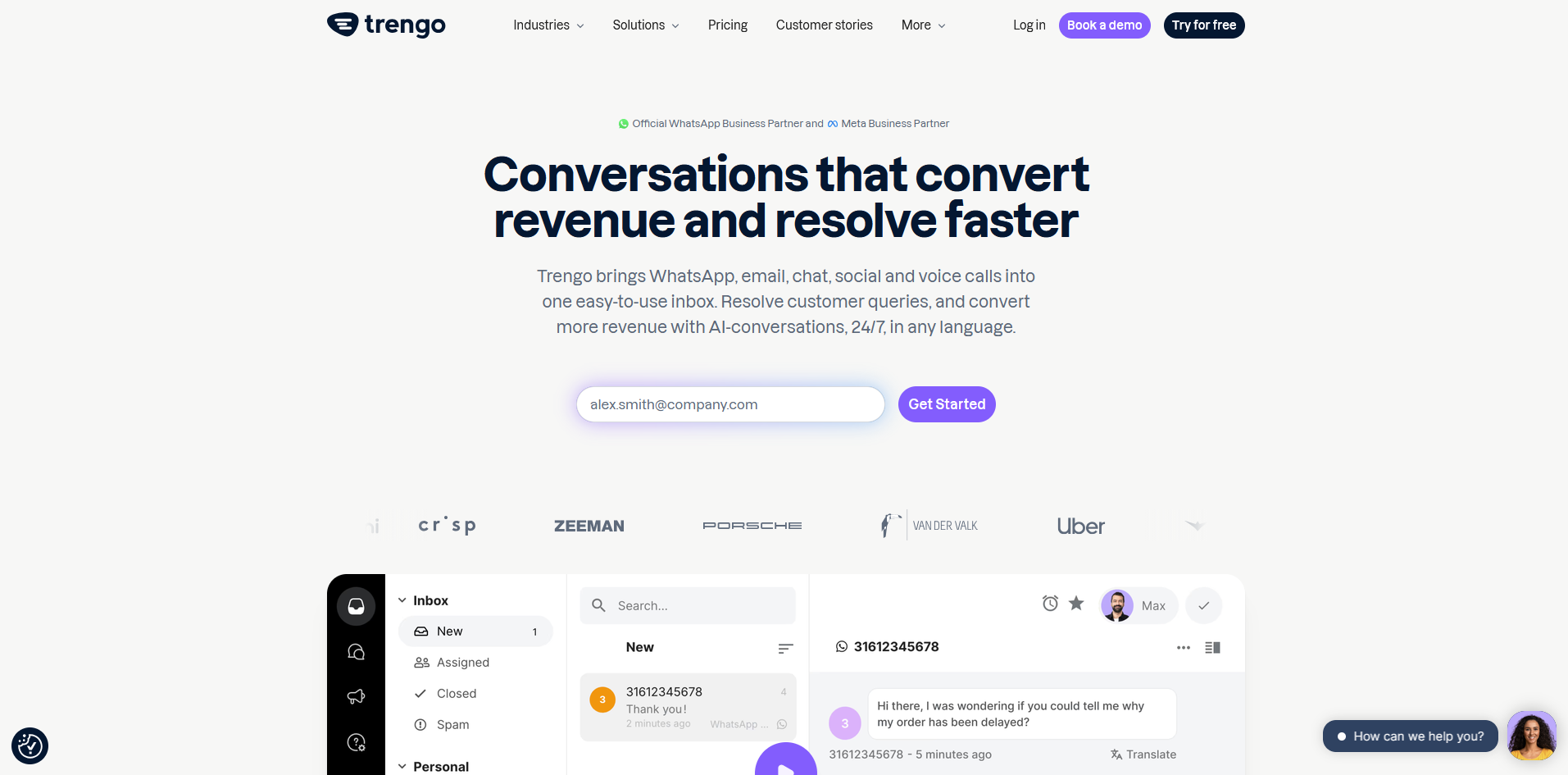
Trengo is a customer messaging platform for WhatsApp, Instagram, email, and live chat. It brings every channel into a single shared inbox, with chatbots and automation layered on top, giving teams a way to manage messaging-heavy support from one screen.
Deep multi-team escalation isn't its strength, so complex hand-offs across departments can get messy.
Key features
- Omnichannel inbox: Bring WhatsApp, Instagram, email, and live chat into one shared view.
- Chatbots: Automate responses to common questions around the clock.
- Rule-based routing: Send conversations to the right teammate automatically.
Pros
- Strong channel coverage for messaging-first support
- Built-in chatbots handle repetitive questions without extra setup
- Good fit for teams where WhatsApp carries most of the volume
Cons
- Complex multi-team escalations aren't a strong fit
- Reporting stays middling next to dedicated help desk platforms
Best for
- Teams whose customers mostly reach out through WhatsApp or Instagram
- Groups that want live chat and messaging apps in one inbox
- Teams that want built-in chatbots without a separate tool
Pricing
Trengo starts at $347 per month, which includes 10 users.
8. Intercom: Best for real-time, in-product support for SaaS companies
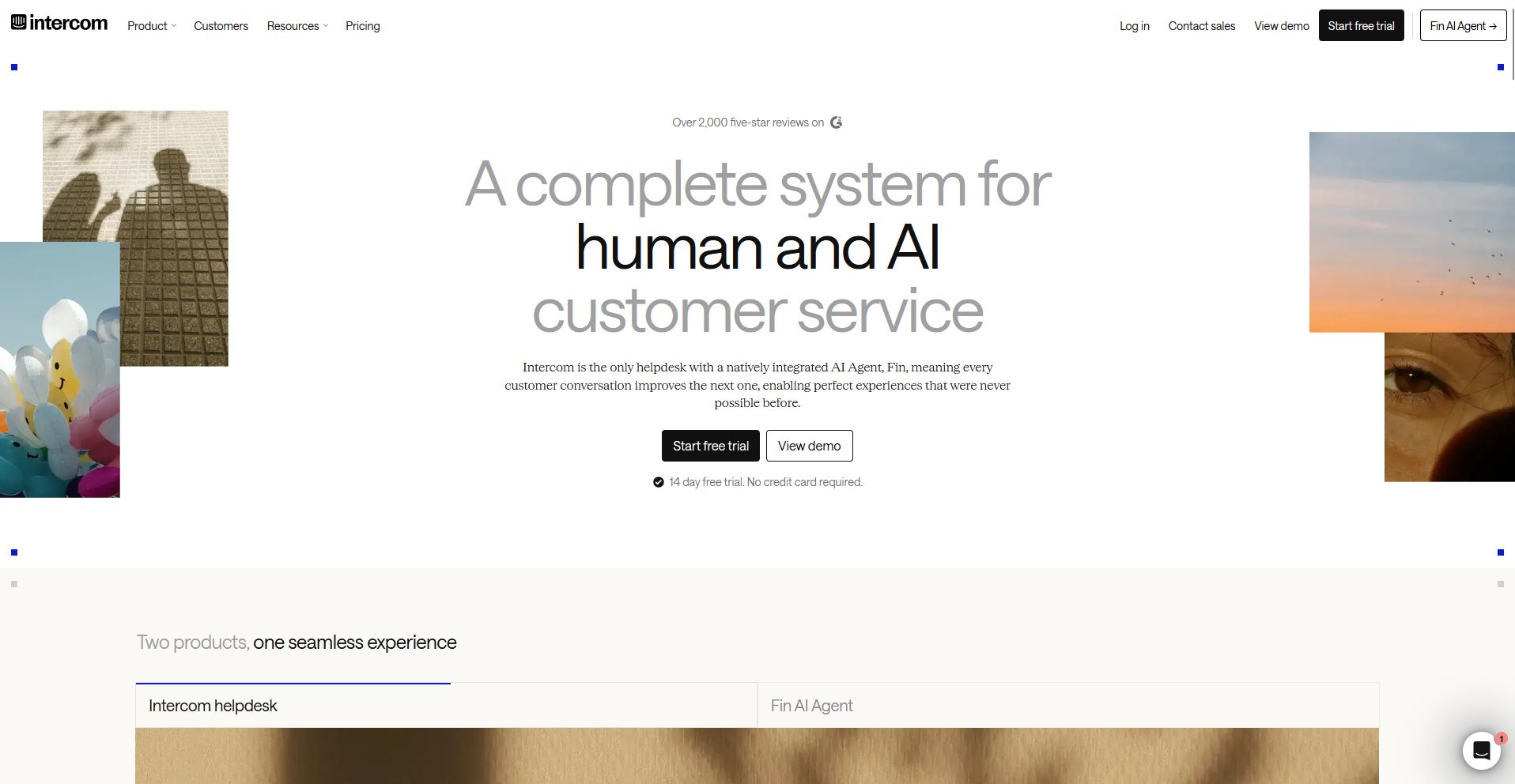
Intercom is a conversational support platform for live chat and in-app messaging. Its Fin AI agent handles a share of repetitive questions before a human steps in, making it a strong fit for SaaS companies supporting customers inside the product itself.
Long-running, multi-stakeholder email threads aren't what it's built for, so teams managing ongoing client relationships by email tend to find it a poor match.
Key features
- Real-time messaging: Chat with customers live or inside the product as the primary channel.
- Fin AI agent: Deflect common questions automatically using help center content.
- Product tours: Guide users through onboarding steps directly inside the app.
Pros
- Strong fit for real-time, in-app SaaS support
- Fin AI agent deflects a meaningful share of repetitive questions
- Tight integration between support and the product experience
Cons
- Not built for long-running, multi-stakeholder email threads
- Complex UIs and workflows that take longer to learn than simpler alternatives
Best for
- SaaS companies supporting customers inside the product
- Teams that want AI deflection built into the support flow
- Groups whose support work centers on real-time chat over email
Pricing
Intercom starts at $29 per seat per month.
9. Assembly: Best for building client-facing apps inside a branded client space
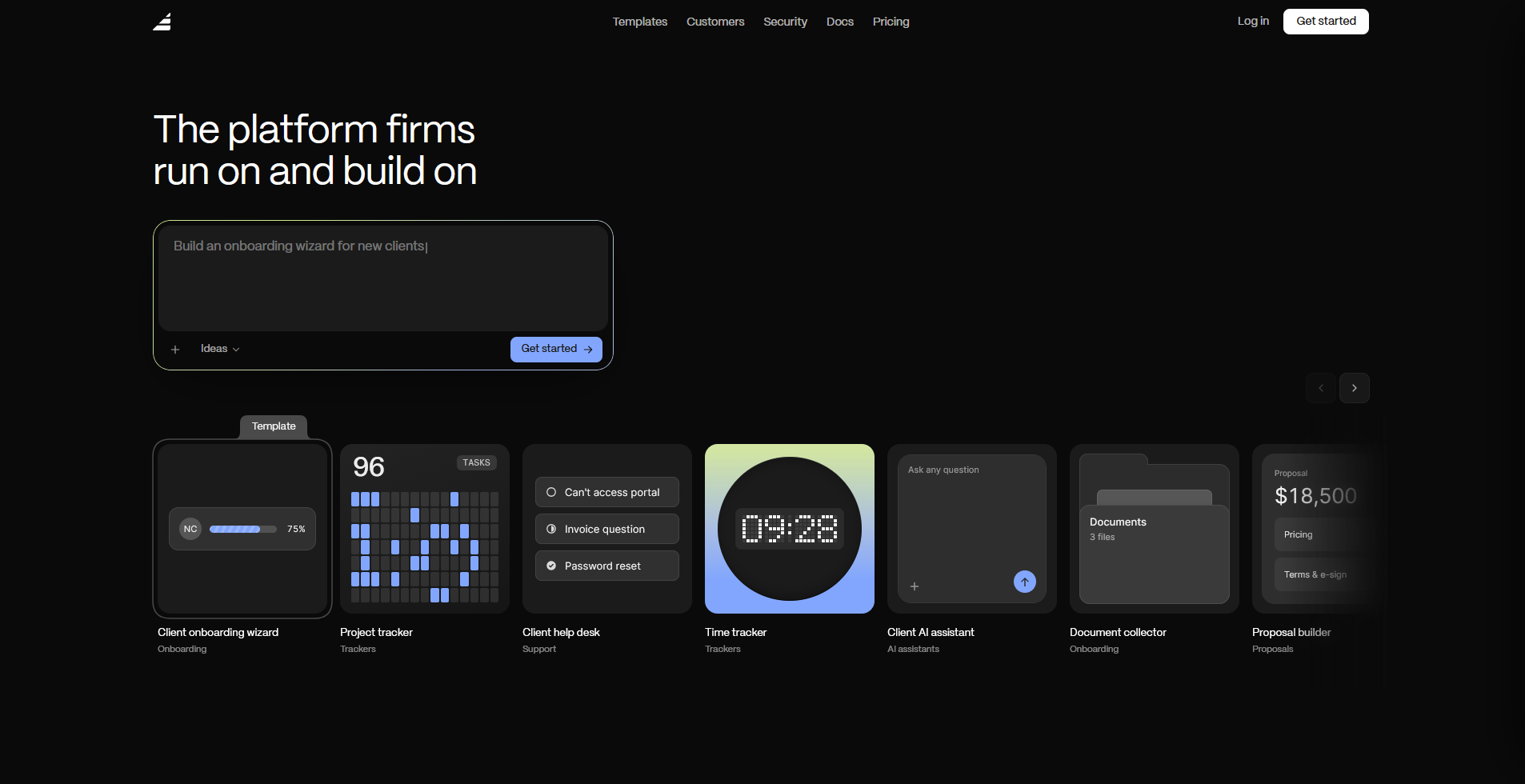
Assembly is a client platform with an AI app builder that turns a prompt into a client-facing app, such as a client email management tool. Every app ships into a branded client experience with per-client permissions, files, messaging, and billing already connected, reflecting the kind of setup that fits ongoing client relationships.
Unauthenticated, public experiences and streaming-heavy products are a weaker match, since the app builder is built for apps your team and clients log into.
Key features
- Client-facing app generation: Describe the app your clients need and generate the screens, data structure, and layout from that description.
- Integration with email in AI app builder: Build your own Front alternative with Assembly’s AI app builder and connect to your existing email inboxes.
- Built-in client platform: Ship contracts, e-signatures, invoicing, and messaging alongside every app you build.
- Permissions and branding by default: Apply per-client visibility controls and your own branding without extra setup.
Pros
- Apps ship directly into a branded client experience without added setup
- Billing, contracts, and messaging stay connected to every app you build
- Per-client permissions apply automatically, with no manual configuration
Cons
- Weaker fit for unauthenticated, public-facing experiences
- Not built for streaming or video-heavy products
Best for
- Agencies and consultancies building tools their clients log into
- Firms that want billing, contracts, and messaging tied to the same apps they build
- Teams whose daily work centers on long-running client relationships
Pricing
Assembly starts at $29 per month.
How to evaluate Front alternatives
Front alternatives split mainly on whether they're built to answer support tickets or to run an ongoing relationship. Weigh these before you pick one.
- How pricing scales with your team: Per-seat pricing can climb fast once you pass an entry tier, so check what happens to your bill at 10, 25, and 50 seats before you commit.
- Which features sit behind higher tiers: Automation, reporting, and AI tools often gate behind pricier plans, so confirm the plan you're comparing actually includes what you need.
- How the tool handles channel breadth: Some alternatives specialize in email, others cover chat, SMS, and social apps, so match the channels to where your customers actually reach out.
- Whether the tool fits tickets or relationships: A queue built for anonymous, one-off requests works differently than a space built for the same client over months, so match the tool to the actual shape of the work.
An app builder for a different kind of client work
Most Front alternatives on this list are still inboxes your team uses to manage incoming messages.
Assembly has an AI app builder that creates the apps your clients actually use once you're working together: an intake form, a project tracker, a proposal builder, or a help desk.
Describe the app, and the app builder generates the screens, data, and layout. The finished app ships straight into a branded client experience with permissions, files, messaging, and billing already connected.
Client data stays covered too, with SOC 2 Type II compliance and support for GDPR, CCPA, and HIPAA.