



You can use AI customer service software to automate replies, route tickets, and staff live chat without hiring more agents. Support ticket volume often keeps growing, and picking the right tool can decide whether you keep up or fall behind. I tested dozens of these platforms, digging into chatbot responses, ticket routing, and live chat setup. Only 10 made the cut. Here's what each gets right, where it falls short, and which fits you best.
10 best AI customer service software: key takeaways
| # | Tool | Best for |
|---|---|---|
| 1. | Best for service businesses that want client support requests in the same branded space as invoices and files | |
| 2. | Best for enterprise and mid-market teams already standardized on a mature ticketing suite who want AI bundled into their existing system | |
| 3. | Best for small and mid-market teams that want an affordable, easy-to-set-up help desk with AI built into the ticketing queue | |
| 4. | Best for chat-and-email-first support teams that want AI resolution running inside a native helpdesk | |
| 5. | Best for support teams that want an AI layer added on top of a help desk and CRM they already run | |
| 6. | Best for teams on the Zoho ecosystem who want budget-friendly AI ticketing tied to their CRM | |
| 7. | Best for small teams that want a simple shared inbox with light AI drafting and summarizing | |
| 8. | Best for ecommerce and Shopify brands that want order-aware automation tied directly to their storefront | |
| 9. | Best for small businesses that want an affordable live chat widget paired with a no-code AI chatbot | |
| 10. | Best for large enterprises with dedicated implementation teams that need omnichannel AI automation and heavy compliance support |
How I researched and tested these AI customer service tools
I ran every tool on this list through the same set of support scenarios using a mock ticket queue and sample customer questions. Each test covered chatbot responses to common questions, ticket routing and tagging, and setting up a live chat widget from scratch. For a few, I worked from product walkthroughs and documentation instead of hands-on setup.
Here's what I considered:
- Resolution quality: Whether the AI actually closes out a request or just adds a step before a human takes over
- Channel coverage: How well a tool handles chat, email, voice, and social from one dashboard
- Setup and daily use: How much configuration a team needs before an agent or chatbot goes live, and how easy it stays to run day to day
- Security and compliance: Which certifications a tool carries, since that matters for anyone connecting a support tool to customer data
- Integrations: How cleanly a tool connects to a CRM, ecommerce platform, or existing help desk instead of sitting on its own
Compliance certifications ended up drawing a sharper line between these tools than raw automation features did, since a few handle sensitive customer data with real oversight and a few leave that mostly to you.
10 best AI customer service software: quick comparison
| Tool | Best for | Starting price with AI* | Strengths |
|---|---|---|---|
| Client-facing branded support requests | $29 per month | No-code app generation, a branded client experience by default, and built-in invoicing and e-signatures | |
| High-volume ticketing operations | $55/agent/month; Copilot add-on at $50/agent/month | Mature ticketing engine, deep reporting, and a large app marketplace | |
| Budget-friendly omnichannel support | $19/agent/month, $49 per 100 AI sessions after 500 free | Full ticket automation, an AI agent workspace, and affordable entry pricing | |
| AI-first native helpdesk | $29/seat/month and $0.99 per outcome, Copilot add-on at $29/agent/month | AI resolution built in, multi-step task automation, and strong chat and email coverage | |
| AI added onto an existing help desk | Custom pricing | Ticket triage and prioritization, real-time agent assist, and support for existing CRM data | |
| Zoho-native teams on a budget | $7/user/month | Budget-friendly ticketing, tight Zoho CRM integration, and AI sentiment analysis on higher-tier plans | |
| A simple shared inbox | $25/user/month, $0.75 per AI resolution | A clean interface, AI reply drafting and summarizing, and a short learning curve | |
| Shopify-first order automation | $40/month, billed monthly | Deep Shopify integration, order-aware automation, and a fast go-live | |
| No-code chat and chatbots | $24.17/month | A no-code chatbot builder, an affordable live chat widget, and quick setup | |
| Enterprise omnichannel automation | Custom pricing | Omnichannel automation across voice and chat, structured playbooks, and enterprise compliance certifications |
*Billed annually. Pricing correct as of September 2026. Confirm with vendor.
1. Assembly: Best for client-facing branded support requests
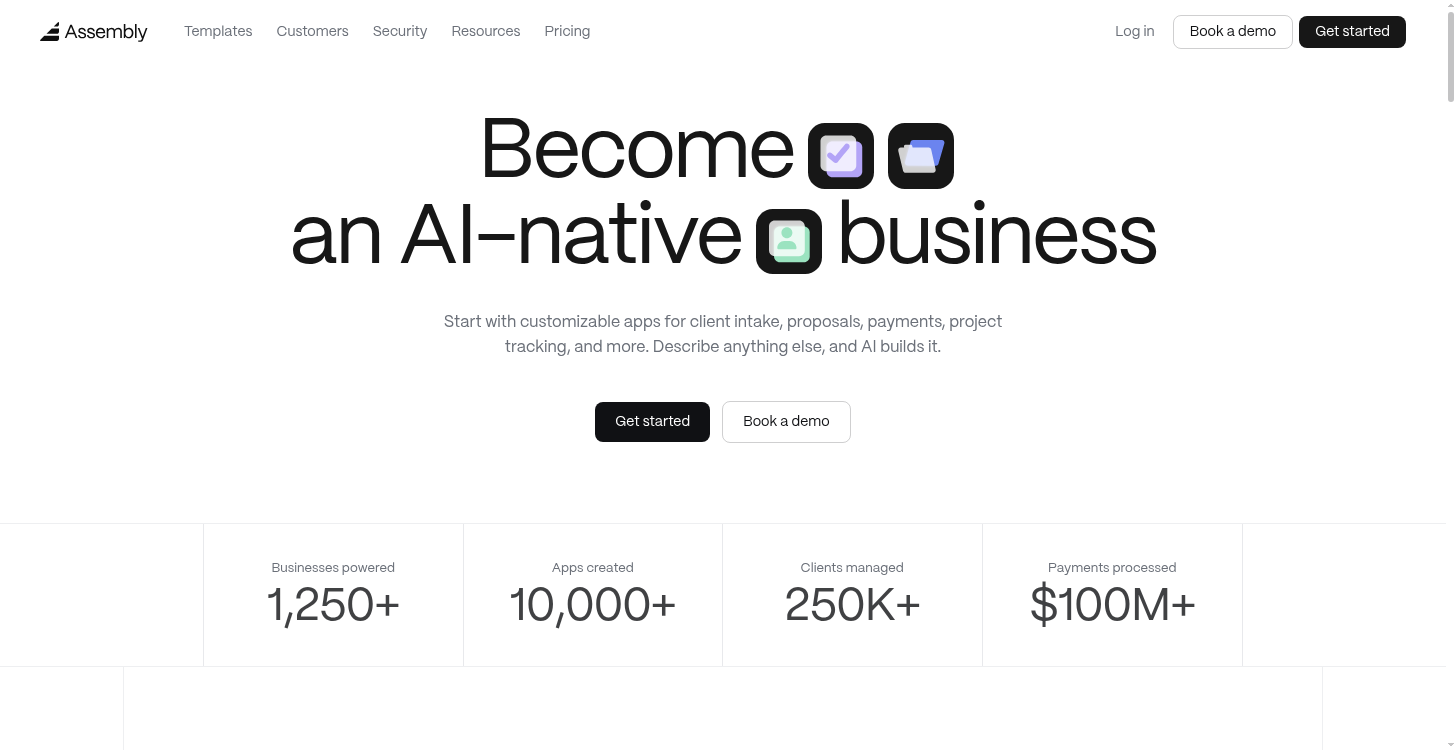
- What it does: Assembly is a client experience platform with an AI app builder that generates client-facing apps that ship into a firm's existing branded client experience.
- Best for: Service businesses, like agencies, consultants, accounting firms, and law firms, that want clients submitting and tracking support requests in the same branded space where they already see their invoices, files, and project updates.
- Security: Assembly is SOC 2 Type II compliant and supports GDPR, HIPAA, and CCPA.
We build Assembly as a client experience platform for firms with an ongoing base of named clients.
You can prompt its AI app builder to create a custom client-facing app from scratch, or start from a template instead. The client help desk is one of those templates, a categorized queue where a client submits a request and tracks it next to their invoices, files, and project updates.
Key features
- Client help desk app: Generates a categorized request queue where clients submit and follow up on support requests.
- Branded, permissioned client experience: Each client sees only their own requests and files by default, inside a space that reflects the firm's branding.
- Expandable app library: You can generate additional client-facing apps, like a document collector or a proposal builder, in the same client experience as your needs grow.
Pros and cons
| Pros | Cons |
|---|---|
A client's support request sits next to the invoices, files, and project updates they already see from that firm |
Overkill if you only need a standalone ticketing tool with no client login, files, or billing attached |
No developer or IT team needed to launch a new client-facing app, since apps generate directly from a written prompt or template |
It's built around a firm's existing base of ongoing clients, so a business serving the public or one-time consumers would need something else |
Additional approved app types, like a time tracker, deals pipeline, or client onboarding wizard, generate in the same branded space as your client help desk |
What users say
Travis M.
Centralized Client Updates, Instantly Accessible
Pros
I appreciate that Assembly allows clients to access important information without needing extensive training. The centralized workspace for client-related information is very helpful. The initial setup of Assembly is instant, which is fantastic.
Cons
I wish it allowed deeper customization with company-specific branding layouts and themes.
Mark H.
Efficient Client Portal with Room for Improvement
Pros
I like using Assembly because the messages and client portal features stand out to me. I can save documents and share files, and they are all in one place, making it easier to find. It's also easier for my clients, and we can message each other with an instant trail.
Cons
If you're a startup company and it's just you, you can't get all the features. I would like a package that includes all the features for those who only need one-person access. Also, I'd prefer a way to turn off on the message board all the notes and only see the ones that people have written rather than those generated by the system.
Pricing
Assembly starts at $29 per month.
Bottom line
Assembly is built for firms managing an ongoing base of named clients and doesn’t handle anonymous or one-time support requests. For a team that needs full ticket automation instead, Freshdesk is worth a look.
2. Zendesk: Best for high-volume ticketing operations
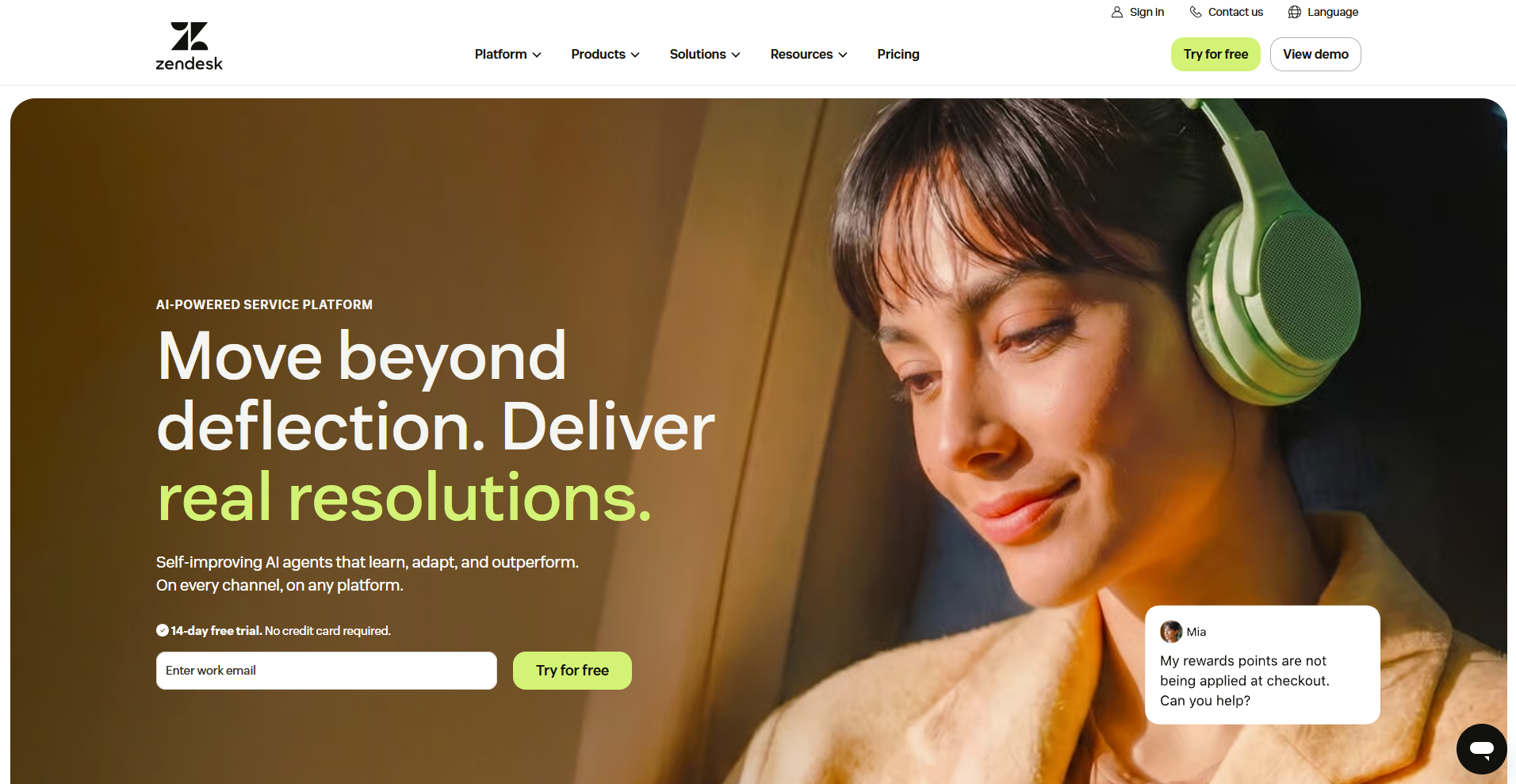
- What it does: Zendesk is a customer service platform that combines ticketing, live chat, and AI-powered support agents in one system.
- Best for: Support teams fielding thousands of tickets a month across email, chat, and social who need AI routing built into an established ticketing system.
- Security: Zendesk holds SOC 2 Type II and ISO 27001 certifications, supports HIPAA through a signed BAA, and carries FedRAMP Low-Impact authorization.
To see how Zendesk handled a busy support queue, I built a mock ticket set with a mix of urgent and routine requests and ran it through Zendesk's AI-powered triage and routing. Tickets sorted into the right queue fast, and the Explore reporting dashboard gave me a clear read on response times right away. The interface took some getting used to, since I had to hunt across several screens to find configuration options that other tools group in one place.
Key features
- AI-powered ticket triage: Reads incoming tickets and routes them to the right queue or agent based on intent and urgency.
- Explore reporting dashboards: Tracks response times, resolution rates, and agent performance across every channel in one dashboard.
- Omnichannel ticketing: Combines email, chat, social, and voice conversations into a single unified inbox.
Pros and cons
| Pros | Cons |
|---|---|
More than 1,000 app integrations for connecting existing sales and support tools |
Copilot isn't available on Suite Team, so a team has to move up a tier to Suite Professional before unlocking any part of it |
Data residency options across the US, EU, Australia, and Japan for teams with regional requirements |
Bulk actions on tickets, like mass reassigning or merging, require Enterprise-level admin permissions |
FedRAMP Low-Impact authorization, useful for agencies working with government contracts |
What users say
Will P.
Techstartup Success in Using Zendesk
Pros
Easy to setup and leverage advanced features like the AI agent to quickly resolve customers issues.
Cons
The process of provisioning new agents is tied to a contract that isn't self service.
Jake M.
Zendesk Streamlines High-Volume Support with Powerful Automation and Reporting
Pros
Zendesk makes it straightforward to manage a high volume of player support tickets. Its automation, organization tools, and reporting features help our team respond more quickly, stay on top of requests, and ultimately keep players happy.
Cons
The platform can take a while to learn and set up, especially if you're trying to build more advanced workflows. Pricing can also start to add up as the team grows.
Pricing
Zendesk starts at $55 per agent per month for Suite Team, with the AI Copilot add-on priced separately at $50 per agent per month (available on Suite Professional and up).
Bottom line
Zendesk's AI agents can independently look up an order or process a refund mid-conversation. For a smaller team weighing the cost, Freshdesk could be worth a look.
3. Freshdesk: Best for budget-friendly omnichannel support
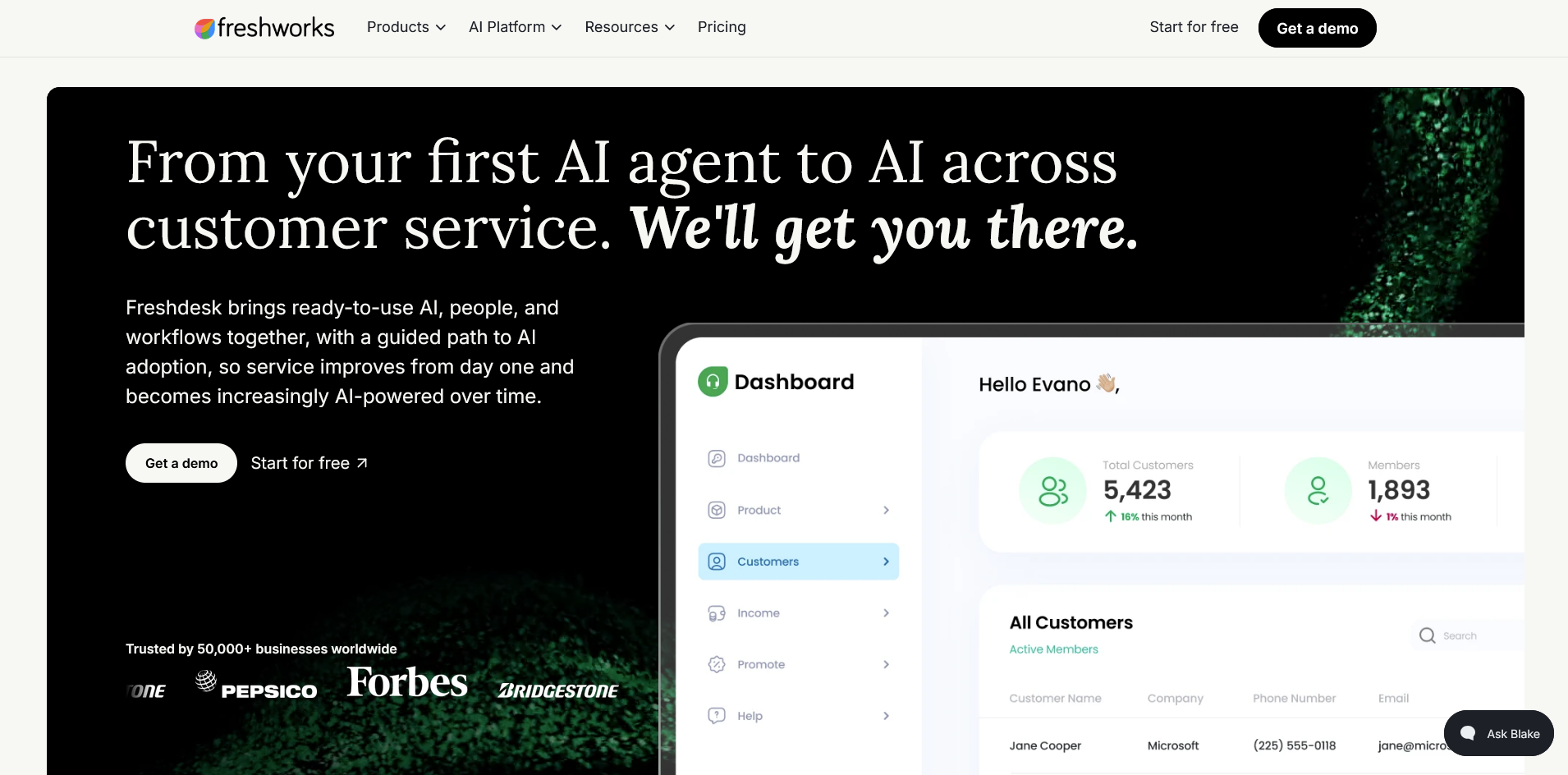
- What it does: Freshdesk is a customer service platform that combines ticketing, live chat, and an AI agent for handling routine support requests.
- Best for: Small and mid-market teams that want an affordable help desk with AI ticket resolution built in from the start, without a big implementation budget.
- Security: Freshdesk's parent company, Freshworks, holds SOC 2 Type II, ISO 27001, and PCI DSS certifications and supports GDPR and CCPA compliance.
Freshdesk is built around AI-assisted ticket resolution, so I tested it by routing a batch of mock support requests through Freddy AI to see how many it closed without help.
Freddy handled straightforward requests like order status checks on its own, and flagged the rest for me with a suggested reply already drafted.
Setting up the routing rules took some trial and error, since a few of my triggers conflicted with each other before I sorted out the priority order.
Key features
- Freddy AI ticket resolution: Automatically responds to and closes routine tickets across email, chat, and social channels.
- Automated ticket routing: Tags, prioritizes, and assigns incoming tickets based on rules set by the admin.
- Unified agent workspace: Combines customer history, AI suggestions, and collaboration tools into a single screen for each ticket.
Pros and cons
| Pros | Cons |
|---|---|
A 14-day free trial and a 6-month free plan for 2 agents make it possible to test the platform before paying anything |
Replies sent through Outlook can create duplicate tickets that need manual merging |
More than 1,000 integrations cover most existing sales, billing, and support tools without custom development |
The mobile app leaves out several admin controls available on the desktop version |
New agents get up to speed fast thanks to a simple, uncluttered interface |
What users say
Michael P.
Powerful, Data-Driven Collaboration with Structured Incident Management
Pros
The collaboration capabilities are useful, and I really like the data-driven approach. It has a structured incident management system, and we can easily track tickets. It offers a practical way to view all tickets in one place, and it's a truly powerful tool with excellent features.
Cons
Some application forms ask for a lot of information, and the initial setup can take quite a while to complete. At times, the software also feels a bit rigid, which can make certain steps less flexible than I'd like.
Rajesh A.
Freshdesk Delivers an Easy, Effective Support Experience with Great Value
Pros
Freshdesk is an excellent customer support and ticketing platform that is both easy to use and highly effective. It offers a great user experience, outstanding customer support, and delivers strong value for money, making it a reliable choice for support teams.
Cons
While Freshdesk performs well for core customer support and ticketing needs, its advanced features and AI capabilities feel somewhat limited. Greater investment in automation, AI-driven workflows, and regular feature enhancements would help the platform stay more competitive and deliver additional value to users.
Pricing
Freshdesk starts at $19 per agent per month, with AI sessions billed at $49 per 100 sessions after the first 500 free each month.
Bottom line
Freddy's self-service suggestions can resolve a question before a ticket is even created. If your team wants something lighter than a full ticketing suite, Help Scout might be a better fit.
4. Intercom: Best AI-first native helpdesk
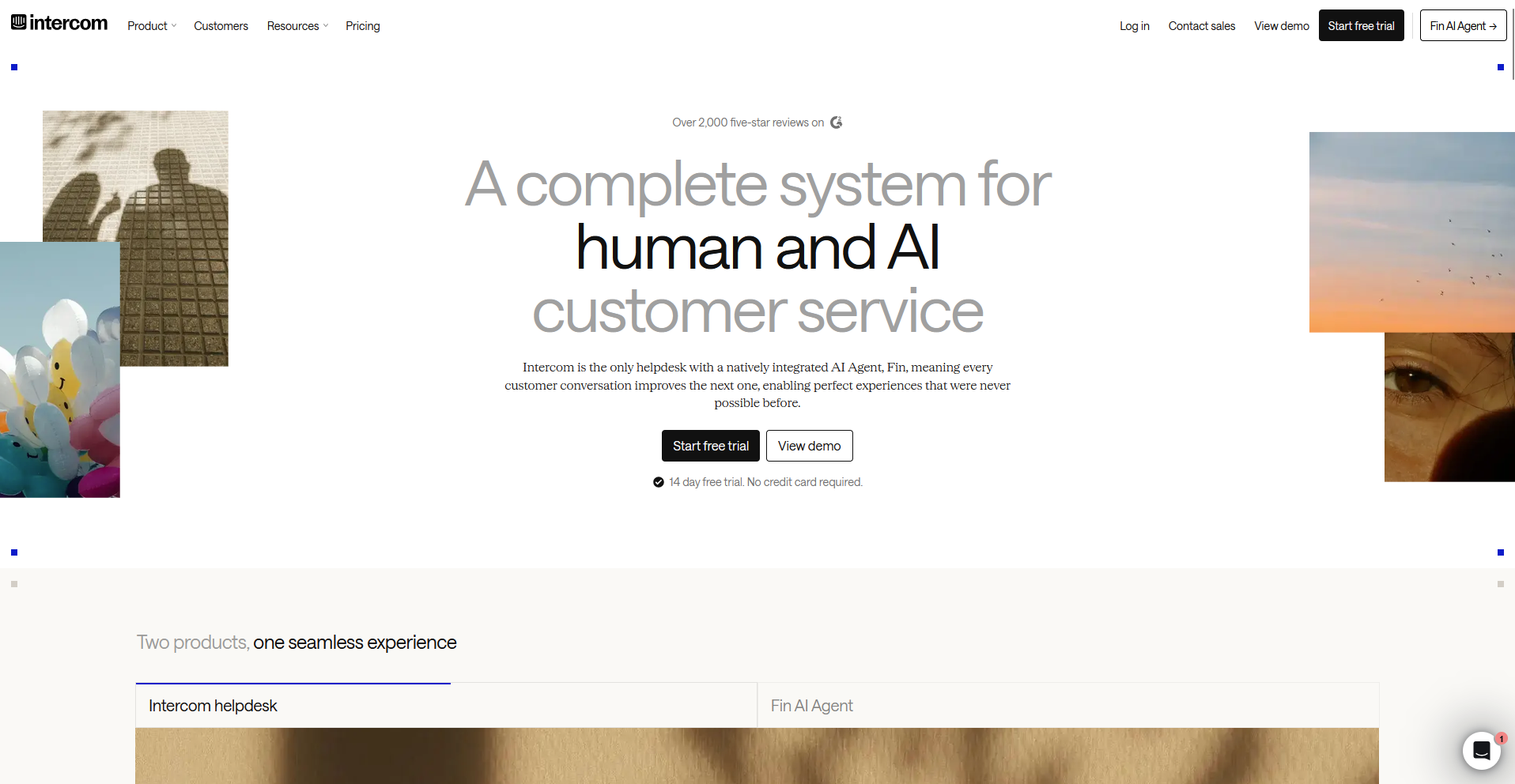
- What it does: Intercom is a customer service platform built around Fin, an AI agent that resolves conversations across chat, email, and other channels inside a native helpdesk.
- Best for: Chat-and-email-heavy support teams that want Fin resolving routine conversations before they reach a human agent, with full context preserved on handoff.
- Security: Intercom holds SOC 2 Type II, ISO 27001, ISO 27018, ISO 27701, and ISO 42001 certifications. It also supports HIPAA and GDPR.
I tested Intercom by sending Fin a mix of simple and multi-step requests to see how it handled routing before reaching a human queue.
Fin answered straightforward questions on its own and used a Procedure to look up an order status without extra prompting from me.
It tripped up on a request involving a refund and an account change. Fin's handoff note covered the refund but left out the account change completely, so I had to fill in that part myself before the ticket could close.
Key features
- Fin AI resolution: Answers and resolves customer conversations across chat, email, and other channels using the help center and past tickets.
- Procedures: Runs a multi-step task during a live conversation, such as looking up an order or updating a customer record.
- Fin preview: Tests how Fin responds to a specific question before the change goes live for customers.
Pros and cons
| Pros | Cons |
|---|---|
Native helpdesk keeps the full conversation history in view when Fin hands a request off to a human agent |
Fin Voice is in limited access through Sales only, unlike chat and email, which are self-serve on every plan. |
HubSpot integration keeps customer records synced without manual data entry |
Resolution rates are self-reported, so results in daily use can land below Intercom's published percentage |
Multilingual support lets Fin respond in the customer's language without separate setup per language |
What users say
Director of IT Services
Flexible Integration Options Offered With Support Across Multiple Products
Excellent overall, great support and flexibility to integrate with multiple products
Director of Marketing
There Is Strong Potential With Intercom, But Old Fashioned Execution.
I would say its intentions and use cases are good and strong... but the execution feels primitive in its UI. It is very hard to use because it does not guide you through any process. It feels like an obstacle course.
Pricing
Intercom starts at $29 per seat per month, plus $0.99 per resolved conversation for Fin and a Copilot add-on priced at $29 per agent per month.
Bottom line
A 14-day trial makes it possible to test Fin against real conversations before committing to a paid seat. For a team watching cost per resolution closely, Zoho Desk is worth checking instead.
5. Forethought: Best for AI added onto an existing help desk
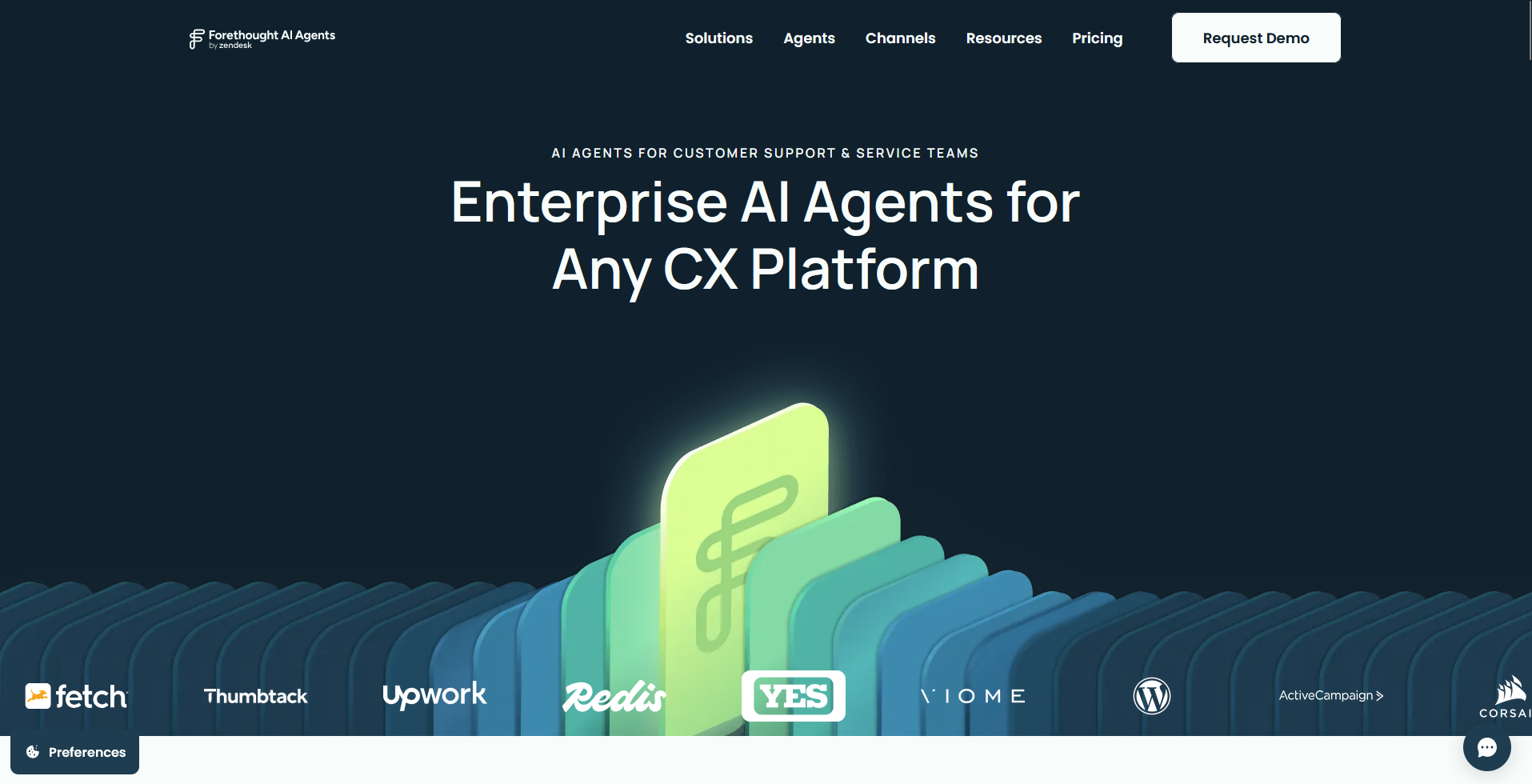
- What it does: Forethought is an AI customer service platform that connects to an existing help desk to triage tickets, assist agents, and resolve common requests automatically.
- Best for: Teams running Zendesk, Salesforce, or another established help desk that want an added AI layer for ticket triage and agent assist without switching their core platform.
- Security: Forethought is SOC 2 Type II certified, ISO 27001 compliant, and supports HIPAA and GDPR.
Forethought's product walkthrough put its Triage agent to work classifying and routing sample support tickets in real time, so I watched how it handled a mixed batch.
It tagged routine requests correctly and drafted a suggested reply for each one that needed a human. A handful of ambiguous tickets skipped auto-tagging and went to a review queue instead.
What I couldn't judge from a guided walkthrough was how the knowledge-gap detection holds up against a real ticket backlog.
Note: Zendesk completed its acquisition of Forethought in March 2026. Forethought now operates as "Forethought AI Agents by Zendesk."
Key features
- Triage agent: Classifies and routes incoming tickets to the right queue or agent based on content and urgency.
- Discover agent: Analyzes past tickets and help center content to surface knowledge gaps and recommend new articles.
- Assist copilot: Suggests replies and next steps to a human agent directly inside the connected help desk.
Pros and cons
| Pros | Cons |
|---|---|
Connects to an existing help desk like Zendesk or Salesforce, so a team doesn't have to migrate ticket history to adopt it |
There's no self-serve trial signup; evaluating Forethought means going through a guided Proof of Value process with their team |
Learns directly from a team's own past tickets and help center content |
Forethought is not FedRAMP certified, so government-adjacent teams would need a separate compliance review |
Redacts sensitive data like PII and PHI automatically during ingestion, then deletes the original within 24 hours |
What users say
Alex K.
Forethought is easy to work with!
Overall very positive and easy to engage with company/team. Happy to work with the FT team. In general they have been a very willing and eager partner to assist us with making iterative improvements to the Solve & discover insights experience for us to be able to manage and improve our eus business via solve.
Pros
The Forehtought team is easy to engage with. Solve as a support tool meets our business needs. We also gain great value with their spamtriage model and discover insights to pull metrics we need for our business reporting.
Cons
Currently reviewing user sentiment (CSAT) is a very manual process wthout an AI analysis layer to provide us with feedback insights & actionable items. We also did have to work very closely with Forethought over many months to get to a state where the reporting output/dashboard gave us what we needed for our operations
Pricing
Forethought offers custom pricing.
Bottom line
Forethought has been building AI for customer support for more than eight years. If a team wants a simpler live chat and chatbot setup, Tidio is worth a look.
6. Zoho Desk: Best for Zoho-native teams on a budget
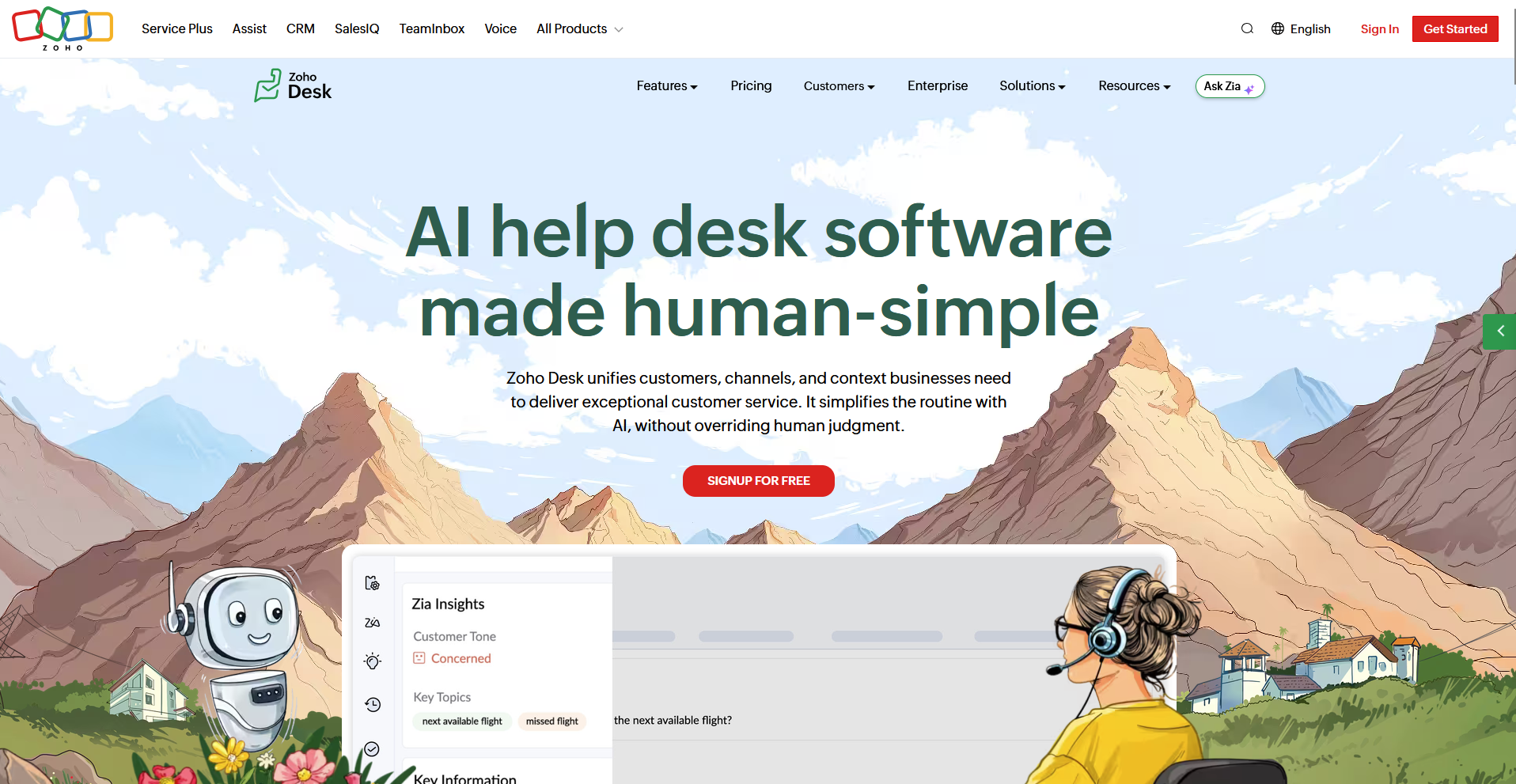
- What it does: Zoho Desk is a customer service platform that combines ticketing, a knowledge base, and an AI assistant called Zia for support teams on a budget.
- Best for: Teams already running Zoho CRM, Zoho Books, or other Zoho apps who want ticketing that shares the same customer records without extra integration work.
- Security: Zoho Desk falls under Zoho's SOC 2 Type II and HIPAA compliance audits, plus ISO 27001 certification, with documentation on Zoho's Compliance page.
Zoho Desk works by feeding every ticket through Zia for sentiment scoring and auto-tagging, so I tested that by sending a batch of tickets with obviously frustrated and neutral language mixed together.
Zia flagged the frustrated tickets correctly and bumped their priority automatically, and the field predictions filled in category and ticket type without me touching them.
Switching between the email and chat tabs to see a full customer history took more clicks than I expected.
Key features
- Field predictions: Automatically fills in ticket fields like category, priority, and issue type based on past tickets.
- Sentiment analysis: Scores the tone of an incoming ticket to flag frustrated customers for faster follow-up.
- Answer bot: Pulls from the knowledge base to answer repetitive customer questions without an agent.
Pros and cons
| Pros | Cons |
|---|---|
Ticket data syncs directly with Zoho CRM, so agent notes and customer records stay in the same place |
Sentiment analysis and Answer Bot both require the Standard plan or higher, and anomaly detection isn't available until Enterprise |
WCAG accessibility compliance comes built into the interface |
Vendor support response times can lag even for teams on higher-tier plans |
A forever-free plan covers up to 3 agents, so a very small team can run on it without paying anything |
What users say
Manogna C.
Zoho Desk Streamlines Ticket Management with Powerful Automation and Customization
Pros
I like how easy it is to manage customer support tickets and keep all customer interactions organized in one place. Zoho Desk's customization options, automation features, and integration capabilities also help streamline the support process, making it simpler to stay on top of requests and improve overall team efficiency.
Cons
Some features and customization options can feel complex or even overwhelming at first. The interface also takes a bit of time to get used to, particularly when you're setting up workflows, configuring ticket fields, and adjusting automations to fit your process.
Mustafa E.
Helps us keep track of customer messages easily
Pros
I like how it puts all customer emails into one clear list. It makes it simple to see who is handling which task so messages dont get lost. The automatic assignment rules work well for us and save us time every morning. Also syncing it with our CRM helps us see basic user info quickly without leaving the page.
Cons
The setup settings can be a bit confusing at first because there are too many options in the menu. It takes some time to learn how to build custom reports. Also the mobile app is ok for basic things, but sometimes it feels a bit slower than using it on a computer browser
Pricing
Zoho Desk starts at $7 per user per month.
Bottom line
Zoho Desk sits inside a suite of more than 40 connected Zoho apps beyond just the CRM. For an ecommerce-focused alternative, Gorgias deserves a look.
7. Help Scout: Best for a simple shared inbox
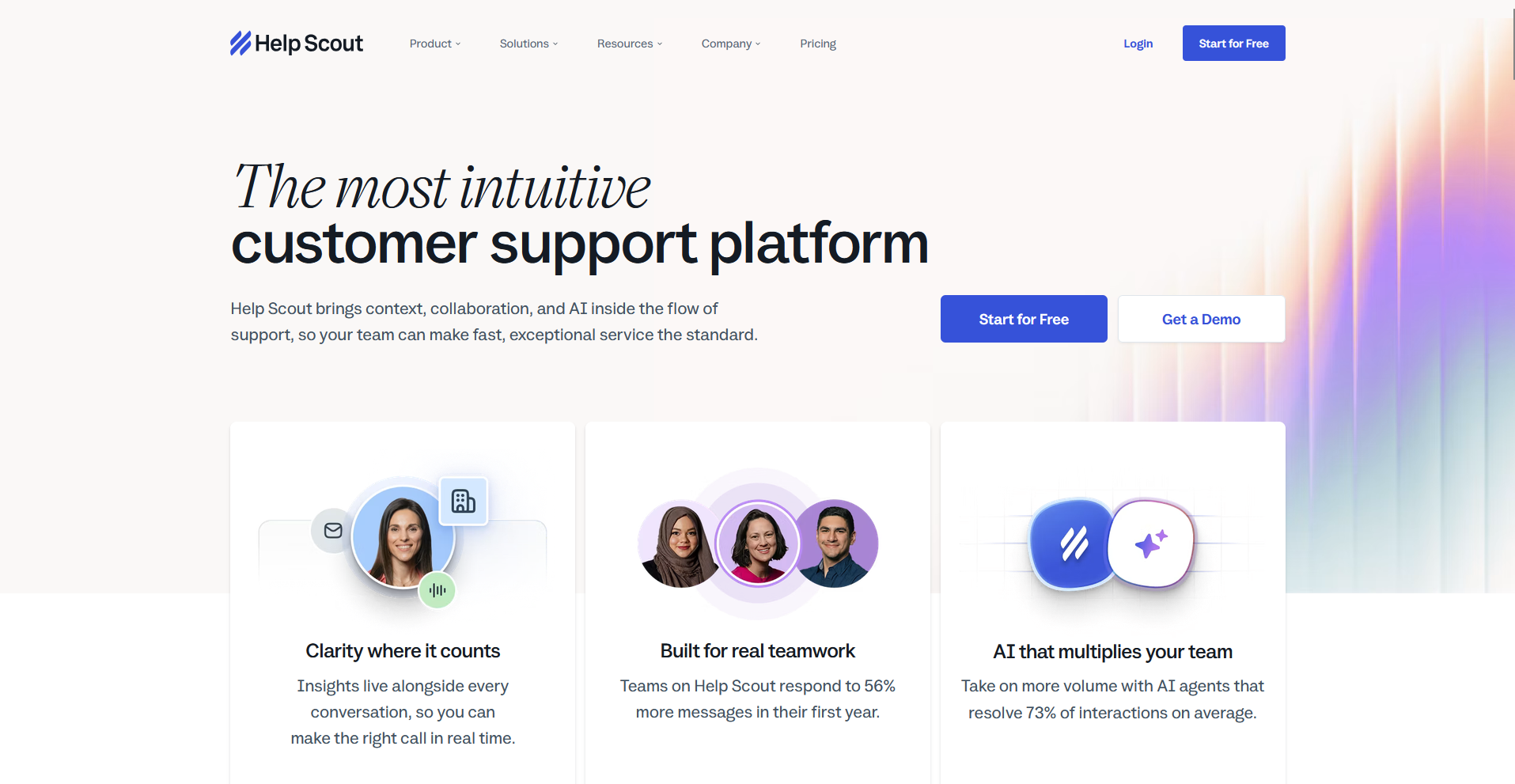
- What it does: Help Scout is a customer service platform built around a shared email inbox, live chat, and AI features for drafting and summarizing replies.
- Best for: Small teams that want a clean, easy-to-learn shared inbox with light AI help, without the overhead of a full ticketing system.
- Security: Help Scout is SOC 2 Type 2 certified, supports HIPAA through a signed BAA, and complies with GDPR, UK-GDPR, and CCPA.
To see how quickly a new agent could get productive, I set up a shared inbox in Help Scout and ran AI Drafts against a batch of routine customer emails. Drafts pulled the right tone and cited the correct help article most of the time, and AI Summarize condensed a long back-and-forth thread into 3 sentences I could actually use. The knowledge base editor felt sparse next to the reply tools, with fewer formatting options than I expected for building out help articles.
Key features
- AI Drafts: Generates a suggested reply using past conversations and help center articles.
- AI Summarize: Condenses a long or complex email thread into a short summary for the next agent.
- AI Answers: Answers repetitive customer questions from the knowledge base through a chatbot.
Pros and cons
| Pros | Cons |
|---|---|
Shared folders and internal notes make it easy for two agents to coordinate on the same conversation without leaving the inbox |
Workflow automation covers basic rules and tags, without more advanced branching logic for complex escalation paths |
Setup takes a fraction of the time of a full ticketing system, since there's no complex routing or automation to configure first |
There's no native phone or voice channel, so call support still needs a separate tool |
New agents can start answering tickets within a day, without a formal onboarding process for the tool itself |
What users say
Eklavya Y.
Clean, Easy-to-Use Interface That Keeps the Team Organized
Pros
its clean and effective interface , which easy to use ,its shared inbox keeps entire team organized while all features help resolve issues faster
Cons
its one drawback is that some advance features is limited compared to larger henterprise help desk platform, and it become expensive as team grow
Noxy P.
Customer Context at a Glance with Human, Efficient Workflows
Pros
I appreciate the variety of tools Help Scout offers for managing our team's support workflow. We rely heavily on chat and email, but it's also really useful to have built-in automations, saved replies, and Beacon messaging available. Lately, we've been taking advantage of their newer AI features, which have become part of our regular process. All of this helps us stay connected with our customers, better understand their experience with our product, and deliver a high level of customer support.
Cons
More flexibility and customization options would be really valuable. We already have a fairly deep integration with our own product, but being able to tailor it even further to better support our customers day to day would make a big difference. We've also experienced periodic outages, which can be frustrating. When the system goes down, it limits our ability to communicate with users, which can impact their trust in our business. Additionally, the current limitations around customization mean we're missing chances to improve the experience—like offering more tailored ways for customers to find the resources they need.s on the fly.
Pricing
Help Scout starts at $25 per user per month, with AI resolutions billed separately at $0.75 each.
Bottom line
Beacon embeds the knowledge base, live chat, and a contact form into one small widget on a website. For a team that outgrows a shared inbox, Zendesk could be the better call.
8. Gorgias: Best for Shopify-first order automation
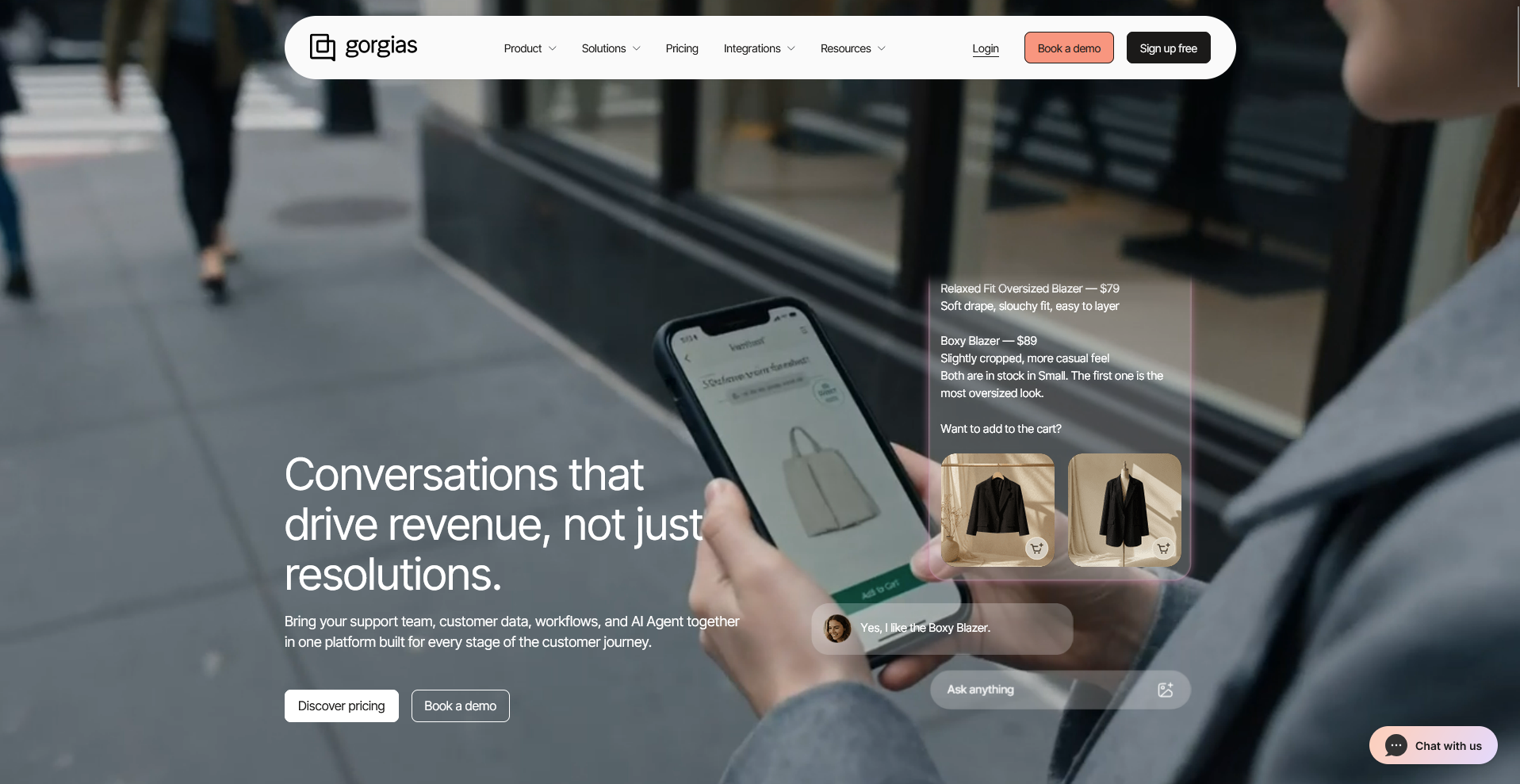
- What it does: Gorgias is a customer service platform built for ecommerce, with an AI agent that reads Shopify order and shipping data to resolve common requests.
- Best for: Shopify and ecommerce brands that want an AI agent pulling live order and shipping data directly into every ticket.
- Security: Gorgias is SOC 2 Type II certified and HIPAA compliant. It also complies with GDPR and CPRA.
I connected a sample Shopify store to Gorgias and sent it a batch of "where's my order" and return requests to see how it handled order data.
The AI agent pulled the correct shipping status and order details into each ticket without me looking anything up separately, and it drafted a return label response using my actual return policy.
On a question mixing a product defect with a refund request, it answered the refund part but missed flagging the defect for a follow-up look.
Key features
- AI agent for order status: Pulls live shipping and order details from Shopify directly into a support ticket.
- Intent-based rules: Detects what a customer is asking about, like a return or a shipping delay, and triggers the matching workflow.
- Order actions: Updates a shipping address, processes a return, or cancels an order directly from the ticket.
Pros and cons
| Pros | Cons |
|---|---|
Every ticket shows a customer's order history and shipping status without switching to a separate Shopify tab |
The AI agent's automation is built around Shopify data, so a merchant on a different ecommerce platform gets a thinner feature set |
Most stores can go live within a few days, since order data syncs automatically from Shopify |
Frequent product updates can shift where a setting lives, so admins sometimes have to relearn a workflow they'd already configured |
SSO support for Google and Microsoft 365 keeps agent access tied to a team's existing identity provider |
What users say
Viviana G.
Gorgias Keeps Our Customer Support Organized and Highly Customizable
Pros
I use Gorgias daily to manage our customer experience, and my favorite part is having everything in one place. We handle a high volume of customer questions across email, social media, SMS, and other channels, so being able to see the customer's history and order information directly within the ticket makes a huge difference.
I also really like how customizable it is. I use macros, tags, rules, reporting, and automations constantly, and we've been able to build workflows around the specific needs of our business instead of having to work around the platform. The reporting is especially helpful for me as a CX manager because I can track things like ticket volume, response times, CSAT, channels, and contact reasons.
Cons
There can definitely be a learning curve when setting up some of the more advanced features, and occasionally I'll have to dig around to figure out where a setting lives, but their support team has always been helpful when I need it.
Kristen M.
Flexible, AI-Powered Support That Streamlines Multichannel Customer Care
Pros
What I like best about Gorgias is how much flexibility it gives us to customize the platform around our specific Customer Care needs. We can manage multiple communication channels in one place, create efficient workflows and automations, and use AI Agent to provide customers with faster, more consistent support. It has helped our team work more efficiently while still delivering a personalized customer experience.
Cons
My biggest frustration with Gorgias is that the live chat interface cannot be fully customized. I would love more flexibility to tailor the chat experience to our brand, customer journey, and specific website pages. Expanding these customization options would make an already strong platform even better.
Pricing
Gorgias starts at $40 per month, billed monthly.
Bottom line
Gorgias holds Shopify Premier Partner status, a distinction Shopify grants to a limited set of apps. For a team outside ecommerce, Intercom makes more sense.
9. Tidio: Best for no-code chat and chatbots
- What it does: Tidio is a customer service platform built around a live chat widget and Lyro, an AI chatbot that answers common questions without an agent.
- Best for: Small businesses that want a live chat widget and a no-code AI chatbot running within a day, without a dedicated implementation.
- Security: Tidio is SOC 2 Type 2 certified and complies with GDPR, CCPA, and the EU-US Data Privacy Framework. It doesn’t support HIPAA, so it isn't a fit for handling protected health information.
Tidio works by routing incoming chats through Lyro before a human ever sees them, so I dropped the widget on a test site and asked it a mix of shipping and product questions pulled from a sample help center.
Lyro answered the straightforward questions correctly and cited the right article each time. Then I threw it a curveball: a question mixing a sizing issue with a discount code request. It answered the sizing part and just dropped the discount question entirely, with no follow-up.
Key features
- Lyro AI chatbot: Answers common customer questions automatically using a connected help center and training data.
- Visual automation builder: Lets a non-technical user design chat workflows and triggers with drag-and-drop blocks.
- Product recommendations: Suggests relevant products during a chat using connected Shopify data.
Pros and cons
| Pros | Cons |
|---|---|
The chat widget deploys on a website within minutes, with no developer needed to match it to a brand's colors and fonts |
Out-of-the-box integrations cover a narrower set of tools, so connecting something outside the usual suspects may need a workaround |
Desktop and mobile apps let an agent answer chats away from a computer without missing a conversation |
Complex, branching support workflows can outgrow the automation builder as a team scales past a small support volume |
A free plan covers a limited number of conversations each month, so a very small site can test it before paying |
What users say
Roger A.
Useful chat tool for customer support
Overall my experience is good. It offers good value for money and works well for customer support and chat automation.
Pros
I like how it combines message and email in one platform. The features are useful for customer communication and security feels solid.
Cons
There is a learning curve and some advanced features are only available in paid plans. It tooks quite a long time to understand it!
Aaron G.
Great product.
Pros
They have continued to make the Ai suggestions better every update. They have also brought in more site integration options.
Cons
I would still say lack of free Ai chat bots. We used our free chats very quickly and that does not reset yearly.
Pricing
Tidio starts at $24.17 per month.
Bottom line
Tidio has signed onto the EU's AI Pact and aligns with the NIST AI risk framework. For a team with heavier compliance needs, Ada would fit better.
10. Ada: Best for enterprise omnichannel automation
- What it does: Ada is an AI customer service platform that resolves support requests across chat, voice, email, and SMS using a no-code builder.
- Best for: Large enterprises with a dedicated implementation team that need AI automation across voice, chat, email, and SMS in one system.
- Security: Ada holds SOC 2 Type II, HIPAA, and GDPR certifications, plus AIUC-1, an AI-specific compliance standard it helped develop. PCI DSS support varies by deployment, so teams handling payment card data should confirm scope directly with Ada.
I sat through a guided demo to see how Ada's Playbooks handled a multi-step process, watching it verify a mock customer's identity and then walk through a return request using the exact sequence I'd specified beforehand. It stuck to the script closely and asked for the right verification details before moving on.
What I couldn't test in a single session was how well it generalizes to a request that falls outside a pre-built Playbook.
Key features
- Reasoning Engine: Interprets a customer's intent, pulls from connected knowledge sources, and decides how to respond or act.
- Playbooks: Runs a structured, multi-step procedure for a task like identity verification or an order update.
- Multilingual detection: Detects and responds in more than 50 languages, switching mid-conversation if a customer changes languages.
Pros and cons
| Pros | Cons |
|---|---|
A customer's organization retains ownership of every conversation, knowledge base entry, and interaction log Ada processes |
Getting live typically takes a multi-month implementation, so it isn't built for a team that wants to launch in days |
Independent penetration testing covers both the platform infrastructure and the AI model layer separately |
Knowledge ingestion has gaps with certain file types, like PDFs, and some historical ticket sources |
Ada helped shape AIUC-1, the first AI-specific compliance standard, and was the first customer service platform to earn it |
What users say
Danielle G.
Ada's Seamless Onboarding, Powerful Playbooks, and Rock-Solid Reliability
Pros
Their team has been great. They have a dedicated onboarding team, the process was very clear, and the drag-and-drop interface saved me hours of setup. They walk you through every step, so you stay in control while still having their support.
My favourite feature is the playbooks. You can write out what you want, and the Ada system takes your thoughts and turns them into an effective protocol for your chatbot to use. The Ada software also integrates seamlessly with our support ticketing platform. The UI is clean and simple.
I look forward to interacting with the Ada system daily, and the reporting helps me objectively review our processes and see what's working. The Ada system has never failed us, and in the two years I've been using it, we've never had any noticeable downtime.
Our support team has seen an decrease in overall volume year over year despite our business increasing dramatically. This system is worth the cost as it has improved our support teams output.
Cons
I can't find a single issue with Ada. I really like all of its features, and they're constantly rolling out new ones—many that I didn't even realize were missing or that were possible options for AI software. Overall, I feel like they're at the top of the game. They dramatically stand out as the first choice for AI chatbot support.
Anytime I have come across an issue their dedicated accelerate team were able to resolve it instantly.
Richard H.
Seamless Support, Needs More Sales Features
Pros
I find Ada very well made and easy to use and administer. What I appreciate the most is the support I get from the staff. The initial setup was easy, especially since we had so much support from the Ada team to get us up and running.
Cons
I would appreciate more options geared towards sales and lead qualifications. We are using the AI bots more and more for our sales qualifications, lead qualifications, however, it has been a bit of a challenge getting the needed functionality needed to engage prospects.
Pricing
Ada offers custom pricing.
Bottom line
Ada's enterprise agreement can specify data residency, retention schedules, and deletion rights individually. For a team that wants to start faster, Zendesk is the more accessible option.
Which AI customer service tool should you choose?
The right pick here comes down to which channel carries most of your support volume, how much of your existing stack it needs to plug into, and how much implementation time you can spend before it goes live.
Choose Assembly if you:
- You're an agency, consultant, accounting firm, or law firm that serves an ongoing base of named clients
- Want a client's support request in the same branded space as the invoices, files, and project updates they already see
- Want a new client-facing app generated from a written prompt or template, without a developer or IT team involved
Choose Zendesk if you:
- Have ticket volume high enough that triage and routing need to happen automatically instead of by hand
- Already rely on more than 1,000 connected apps for other parts of the business and want a help desk that plugs into that stack
- Need FedRAMP authorization or regional data hosting to satisfy a government contract or compliance requirement
Choose Freshdesk if you:
- Want a small team's AI agent resolving routine requests before anyone has to open a ticket
- Need new agents comfortable within a day or two more than a deep feature set right away
- Want to test the platform without committing to a contract first, thanks to a free plan and trial
Choose Intercom if you:
- Handle most support over chat and email and want an AI agent completing multi-step tasks like looking up an order during the conversation
- Already keep customer records in HubSpot and want that data staying in sync automatically
- Serve customers who write in more than one language and don't want to configure translation separately for each one
Choose Forethought if you:
- Already run Zendesk, Salesforce, or another help desk and want AI added on top without migrating your ticket history
- Need agents getting real-time reply suggestions and next-step guidance inside the tool they already use every day
- Handle sensitive data like PII or PHI in tickets and need automatic redaction during ingestion
Choose Zoho Desk if you:
- Already run Zoho CRM or other Zoho apps and want ticket data syncing there without extra integration work
- Have a team of one to three agents that needs a genuinely free starting point
- Require accessibility compliance built into the support interface itself
Choose Help Scout if you:
- Have two or three agents sharing one inbox who need to coordinate on the same conversation without a full ticketing system around it
- Deal with long email threads piling up and need a summary for the next agent more than complex automation
- Want a single embeddable widget covering the knowledge base, chat, and a contact form instead of separate tools for each
Choose Gorgias if you:
- Run your store on Shopify and most tickets are order status, shipping, or return questions
- Need agents updating a shipping address or processing a return without leaving the ticket to open Shopify separately
- Care more about going live within a few days than a long, customized rollout
Choose Tidio if you:
- Need a non-technical person building and adjusting chat workflows without asking a developer for help
- Run a small site that wants a chatbot answering common questions immediately, without a multi-week setup process
- Have agents who need to answer chats from a phone without missing a conversation, since support isn't limited to a desk
Choose Ada if you:
- Run a large organization that needs a structured, multi-step procedure like identity verification followed the same way every time
- Face compliance requirements calling for a platform holding both traditional certifications and an AI-specific standard like AIUC-1
- Support customers across more than 50 languages and need mid-conversation language switching
Skip this category entirely if:
- Your support volume is low enough that a shared email inbox and someone checking it twice a day covers everything without added software
- The real need is internal team communication and not customer-facing support, since none of these tools solve that problem
- One person handles every conversation personally, and the relationship matters more than any automation layer at this stage
Final verdict
Zendesk, Freshdesk, and Ada are strong picks for AI customer service software if your priority is ticket routing, chatbot automation, and multichannel support at scale. But if you want clients submitting and tracking requests in the same branded space as their invoices, files, and project updates, these tools don't go that far.
Assembly takes a different approach. Its AI app builder generates client-facing apps, like a client help desk, that ship directly into your firm's existing branded client experience.
Here's how Assembly can help:
- Client help desk app: Generate an app where clients open and follow up on support requests in one categorized queue, so the back-and-forth doesn't live in a scattered email thread
- Built-in client platform: Every app you build ships alongside the messaging, invoicing, and file sharing your firm already uses with that client, keeping a support conversation in the same space as everything else you send them.
- Permissions and branding by default: Every client works inside a white-label space that reflects your firm's brand, with visibility limited to their own requests and files by default.
Assembly backs that client experience with SOC 2 Type II compliance and support for GDPR, CCPA, and HIPAA. Try Assembly for free today.
Frequently asked questions
What is the best AI customer service software tool?
Some of the best AI customer service software tools include Zendesk, Freshdesk, and Intercom. Zendesk works for high ticket volume, Freshdesk works if you're a smaller team on a budget, and Intercom works if your support runs mostly through chat and needs AI resolving conversations end to end.
What is AI customer service software?
AI customer service software uses artificial intelligence to resolve, route, summarize, and assist with customer conversations across channels like chat, email, and voice. It automates repetitive requests and helps human agents answer the rest faster, which lowers response times and cost per ticket.
Can AI replace human customer service agents?
No, AI can’t fully replace human agents. AI resolves routine, repetitive questions and drafts replies, but complex, sensitive, or high-emotion conversations still need a person. The strongest setups use AI as a copilot, with clear escalation to humans built in.
What is the best AI customer service software for small businesses?
The best AI customer service software for small businesses includes Tidio, Zoho Desk, and Help Scout, which offer affordable plans and quick setup. Each works well for a small team handling a moderate volume of chat and email requests without a dedicated support department.
Is AI customer service software safe for sensitive client data?
Yes, AI customer service software can be safe for sensitive client data when the vendor is SOC 2 Type II or HIPAA compliant and gives you clear control over what the AI can access. Confirm compliance certifications before connecting any client records to the tool.