


The best AI contract management software depends on who you are. An enterprise legal team, a procurement group buried in supplier contracts, and a 5-person accounting firm are shopping for different products, even though the category lumps them together as one thing.
So I compared 15+ tools across features, pricing, and user reviews, then narrowed the list down to these 10.
I'd argue most of what gets built for enterprise legal doesn't even make sense for the other 2 buyers, and that mismatch is what I kept an eye on the whole way through. By the end, you'll know which of these 10 fits your team's size and contract volume.
10 best AI contract management software tools: TL;DR
- Workday CLM: Best for legal ops teams that need fast AI-powered search across massive contract repositories
- Conga CLM: Best for enterprise teams that want contract review connected to the full quote-to-cash and commerce chain
- Ironclad: Best for in-house legal teams handling high contract volume who need real-time workflow automation and approvals
- Icertis: Best for global enterprises in compliance-heavy industries that need granular policy enforcement across large contract portfolios
- Juro: Best for lean legal and business teams who want to draft, negotiate, and sign contracts inside one browser-based editor
- Docusign CLM: Best for teams already using Docusign for e-signature who want AI review layered on top of their existing workflow
- Agiloft: Best for legal teams with complex or unusual contract processes that need deep no-code workflow customization
- SpotDraft: Best for growing companies that want non-legal teams to self-serve contract creation without waiting on legal review
- LinkSquares: Best for finance and legal teams that want portfolio-wide analytics to spot risk and spending patterns
- Spellbook: Best for transactional lawyers who want AI redlining and drafting without leaving Microsoft Word
How I researched these AI contract management software tools
I went through vendor demos, product tours, and walkthrough videos for every tool on this list.
Across all of it, I focused on tasks that come up constantly in contract work: extracting key dates and clauses, flagging non-standard terms, and searching a repository by contract type or party.
I also paid close attention to how each tool handled redlining suggestions and renewal tracking, since that's where these platforms start to look identical on paper.
Here's what I considered:
- Clause and risk detection: How accurately each tool flags non-standard, missing, or high-risk terms without requiring a lawyer to double-check every line
- Search and metadata extraction: How well it pulls key dates, parties, and terms across a full contract repository
- Redlining and negotiation support: The quality of suggested edits and how easy it is to compare contract versions
- Workflow and approval automation: How contracts move through internal review and sign-off before execution
- Data security and access controls: What each vendor discloses about encryption, certifications, and how client contract data gets handled
Redlining quality varied more than clause detection did. Most tools catch the same handful of risky terms, but only some suggest edits that read like something a lawyer would actually sign off on without a heavy rewrite.
10 best AI contract management software tools: quick comparison
*Pricing correct as of September 2026. Confirm with vendor.
1. Workday CLM: Best for enterprise-wide contract visibility inside Workday
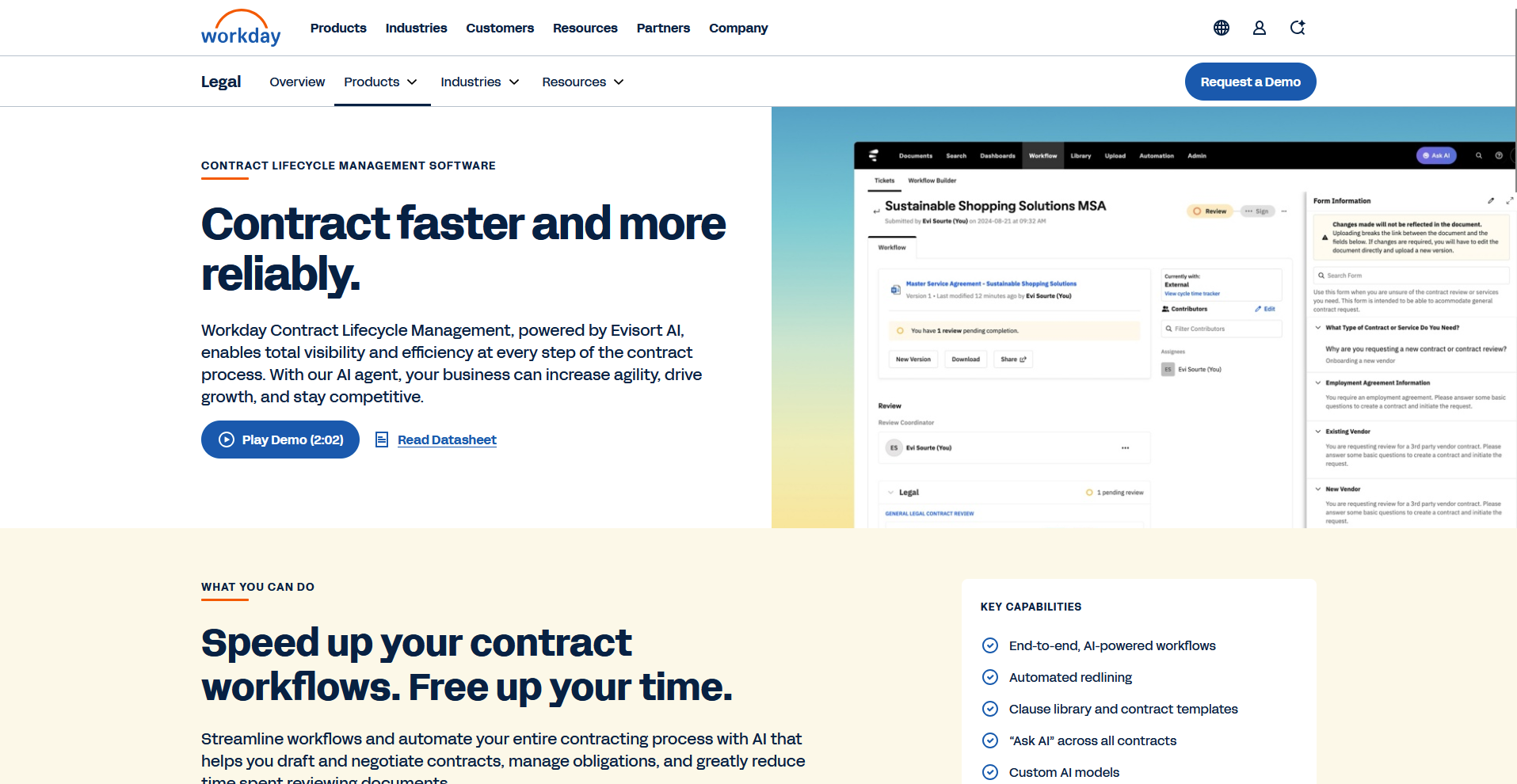
- What it does: Workday CLM is an AI-powered contract lifecycle management (CLM) platform, built on Evisort's contract intelligence engine. It handles the full contract process, from drafting and redlining to extracting key terms and tracking obligations across your portfolio.
- Best for: Legal ops teams already running Workday for HR and finance who want contract data pulled into that same system
Workday CLM's demos and user reviews consistently highlight the dashboard and audit trail features carried over from Evisort's original platform, so I focused on how those hold up inside a Workday-native workflow.
The contract status tracking and clause extraction looked strong for managing renewals across a large portfolio. One theme came up repeatedly in reviews, though: new users often describe a steep learning curve, with some workflows taking multiple clicks to complete.
Key features
- AI-powered contract search: Scans an existing contract repository and surfaces clauses, dates, and parties by keyword or metadata
- Audit trail tracking: Logs every contract change, comment, and status update across the platform
- Workday integration: Connects contract data directly to Workday's existing HR and finance modules
Pros and cons
What users say
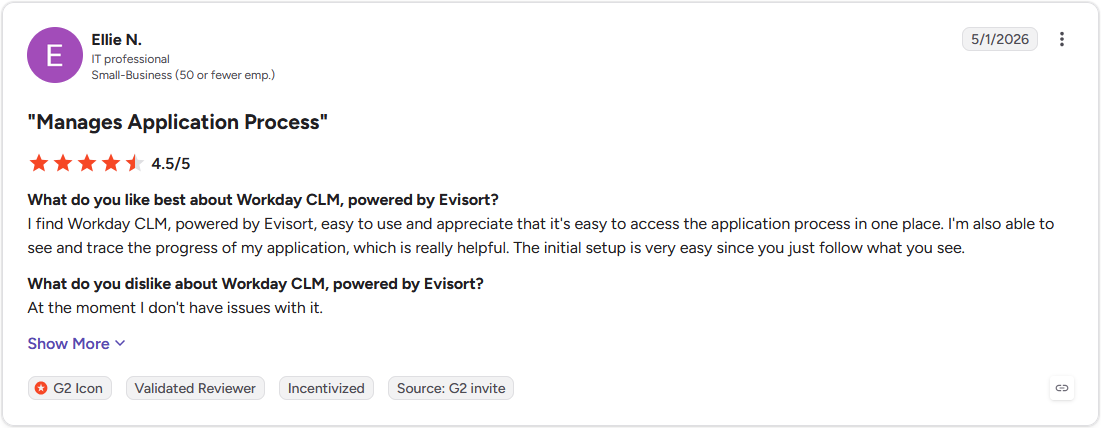
Pro: "I find Workday CLM, powered by Evisort, easy to use and appreciate that it's easy to access the application process in one place. I'm also able to see and trace the progress of my application, which is really helpful." (Ellie N., G2)
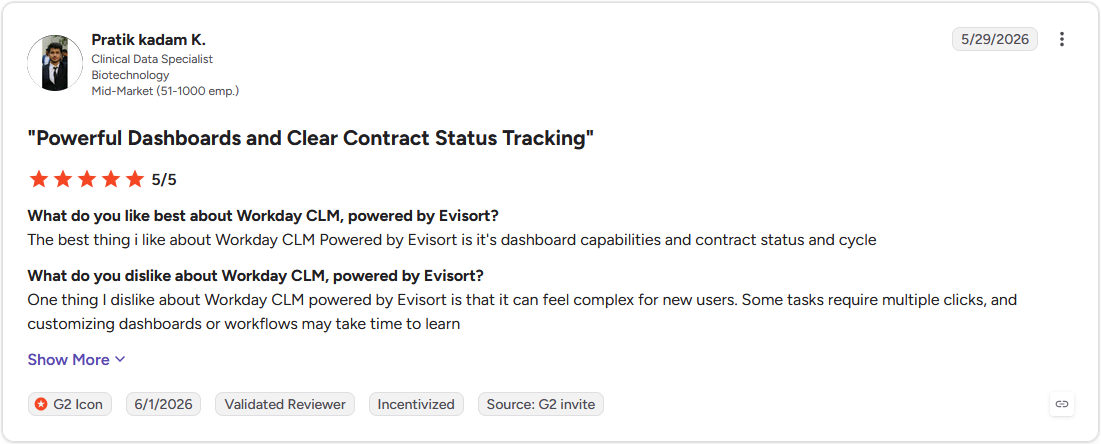
Con: "One thing I dislike about Workday CLM powered by Evisort is that it can feel complex for new users. Some tasks require multiple clicks, and customizing dashboards or workflows may take time to learn" (Pratik Kadam K., G2)
Pricing
Workday offers custom pricing.
Bottom line
Workday CLM's differentiator is that contract data sits inside the same system already running payroll and HR. If your team isn't already on Workday, Juro's browser-based editor might be a better fit for getting started without an existing HRIS in place.
2. Conga CLM: Best for contract data tied to the full commerce chain
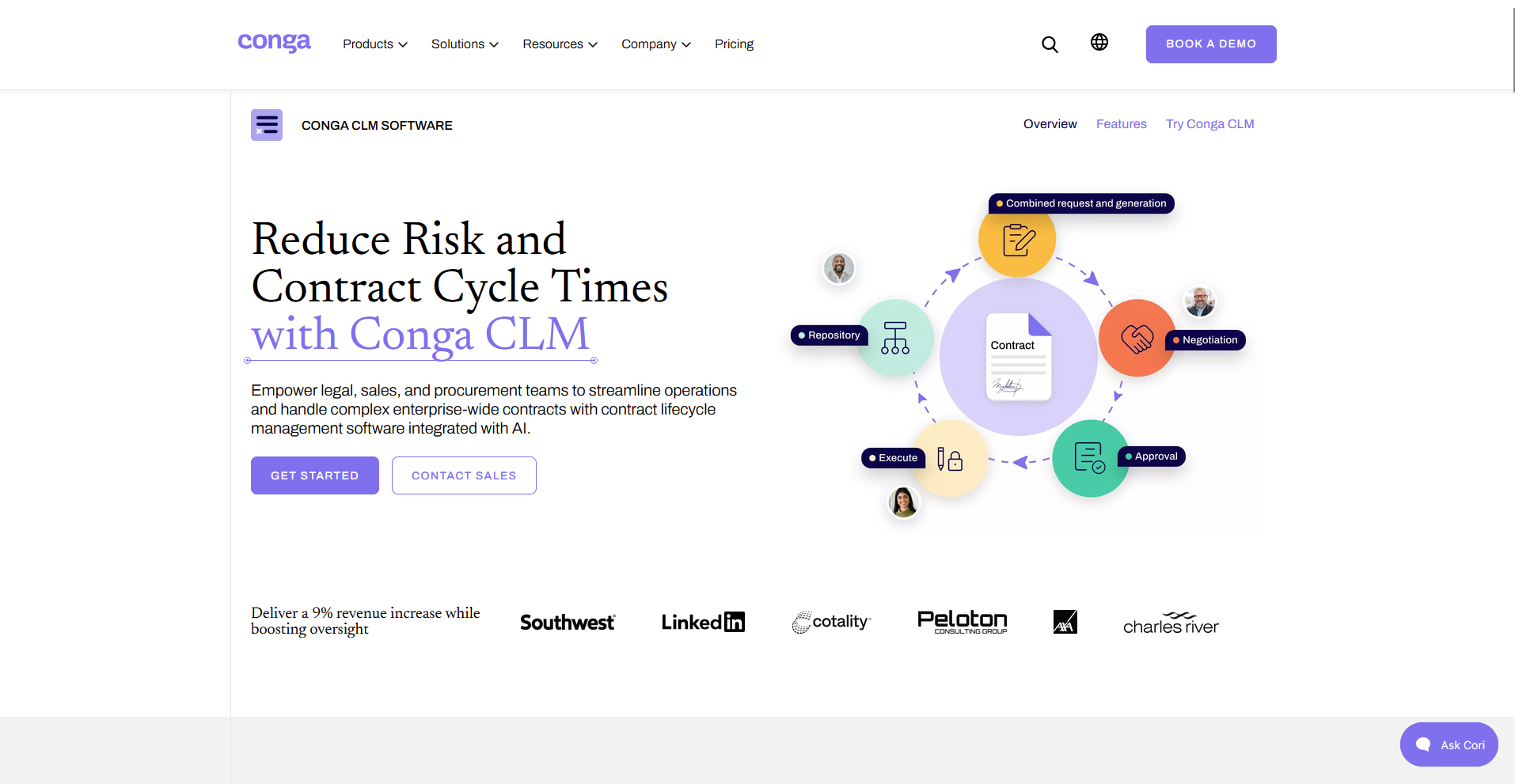
- What it does: Conga CLM is an AI-embedded contract lifecycle management platform that connects contract creation, review, and compliance to the rest of a broader quote-to-cash and commerce stack, with especially deep Salesforce integration.
- Best for: Sales and legal teams running quotes, contracts, and billing through Salesforce (or similar CRM/ERP systems) who want AI review built into that same flow.
I reviewed Conga CLM's demos and feedback to see how its AI review holds up for teams whose contracts flow through Salesforce quoting and billing.
The handoff between quoting, drafting, and approval looked smooth, and Conga's Copilot flagged risk clauses without needing a separate step.
Reviewers consistently praised how flexible the templates are for different proposal scenarios, though several noted the mix of legacy and newer interface elements takes some getting used to.
Key features
- AI contract summaries: Conga Copilot answers natural-language questions about a contract portfolio and cites the source document
- Automated clause extraction: Scans contracts for key terms and flags deviations against custom playbooks
- Native Salesforce integration: Connects contract creation and approval directly to Salesforce CPQ, billing, and other Conga products
Pros and cons
What users say
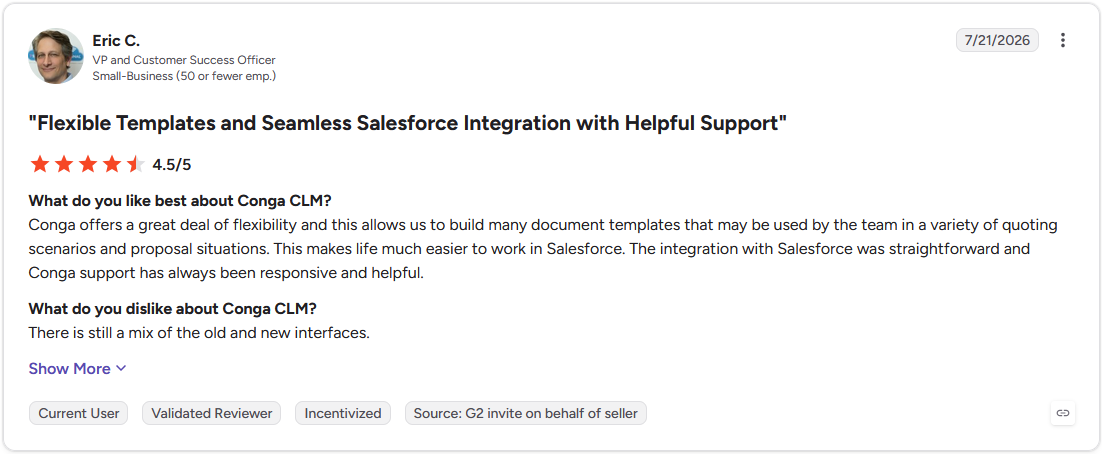
Pro: "Conga offers a great deal of flexibility and this allows us to build many document templates that may be used by the team in a variety of quoting scenarios and proposal situations. This makes life much easier to work in Salesforce. The integration with Salesforce was straightforward and Conga support has always been responsive and helpful." (Eric C., G2)
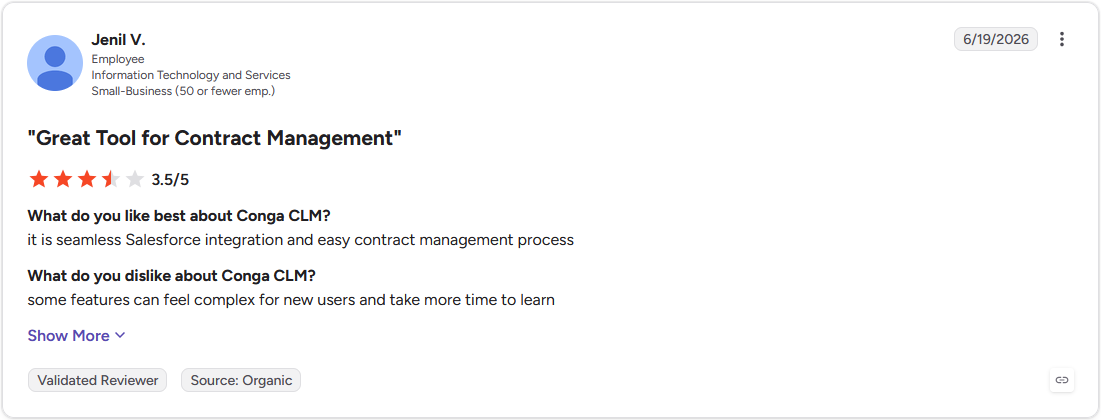
Con: "Some features can feel complex for new users and take more time to learn." (Jenil V., G2)
Pricing
Conga offers custom pricing.
Bottom line
Conga CLM's contract review lives inside the same system as quoting and billing. If your contracts need to satisfy heavier regulatory requirements than a typical quote-to-cash workflow, Icertis could be worth a look.
3. Ironclad: Best for high-volume contract workflows with real-time tracking
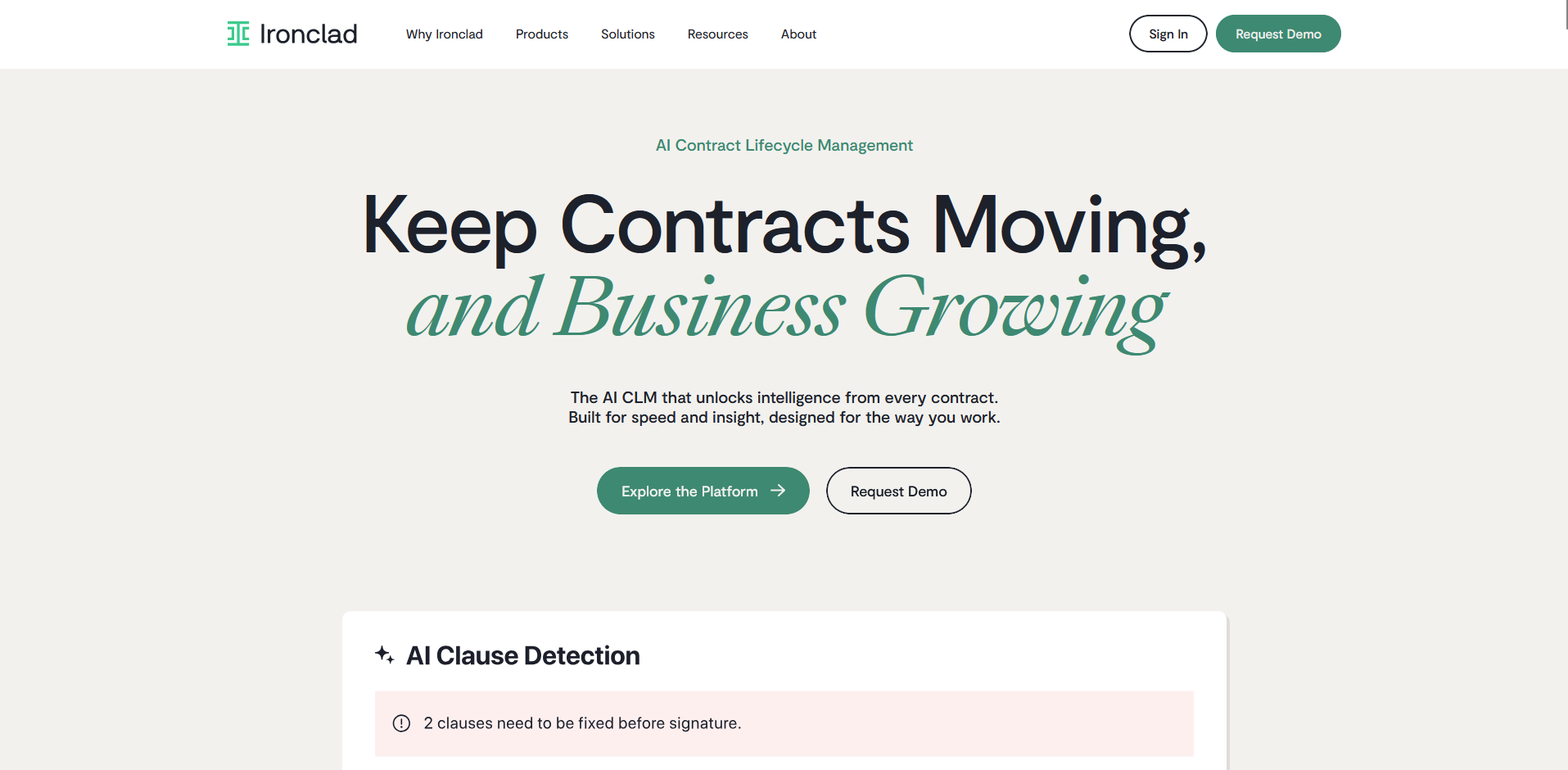
- What it does: Ironclad is an AI contract management platform that combines drafting, approval routing, and negotiation in one collaborative workspace.
- Best for: In-house legal teams managing frequent approvals across departments who need visibility into where each contract sits
To see how Ironclad handled a high-volume workflow, I looked at how contracts move from draft to signature across multiple approvers.
Demos show auto-assigned approvals and real-time change tracking that keeps every stakeholder looking at the same version. Reviewers back this up, with several mentioning tracking contracts from start to finish without switching tools.
The tradeoff shows up early on: more than one reviewer described a significant learning curve before the workflows started to click.
Key features
- Dynamic clause library: Stores pre-approved clauses for insertion during contract drafting
- Redlining and negotiation tools: Tracks edits and comments within a single shared document
- Automated audit trails: Records every action and change across a contract's lifecycle
Pros and cons
| Pros | Cons |
|---|---|
| Centralizes contract tracking so approvals and status updates stay visible in one place | Learning curve when first getting familiar with the platform and its workflows |
| Collaborative culture and support that reviewers describe as responsive to fast-moving teams | Some processes require more clicks than expected to complete |
| Saves time on contracts without requiring the user to be a contract expert |
What users say
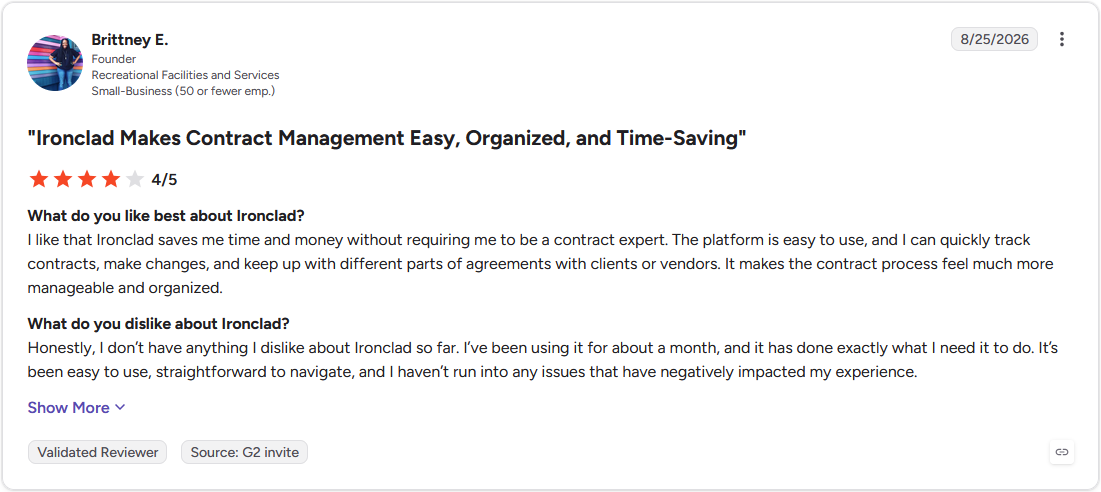
Pro: "I like that Ironclad saves me time and money without requiring me to be a contract expert. The platform is easy to use, and I can quickly track contracts, make changes, and keep up with different parts of agreements with clients or vendors. It makes the contract process feel much more manageable and organized." (Brittney E., G2)
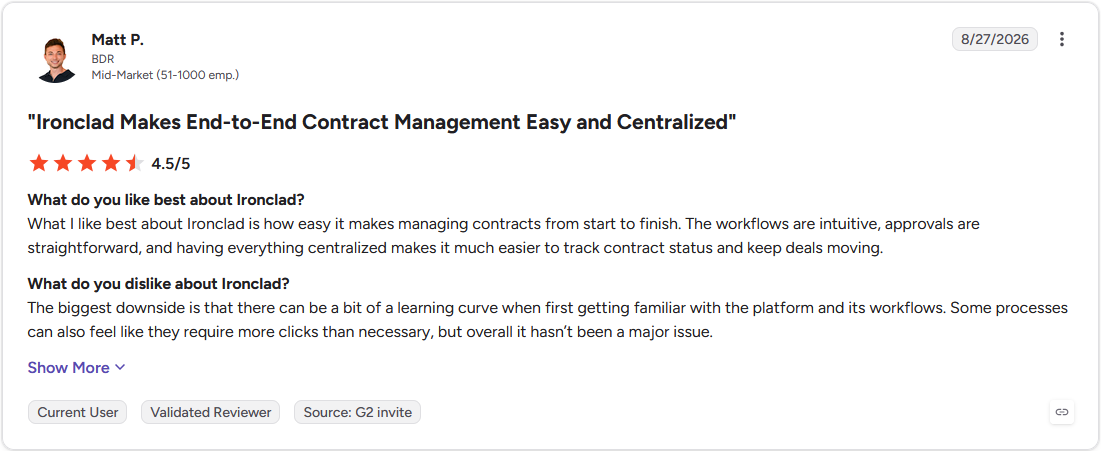
Con: "The biggest downside is that there can be a bit of a learning curve when first getting familiar with the platform and its workflows. Some processes can also feel like they require more clicks than necessary, but overall it hasn't been a major issue." (Matt P., G2)
Pricing
Ironclad offers custom pricing.
Bottom line
Ironclad's strength shows up once contracts start moving through several approvers simultaneously. For a team whose contracts stay tied to Salesforce quoting and billing, Conga CLM could be worth a look instead.
4. Icertis: Best for compliance-heavy contract portfolios at global scale
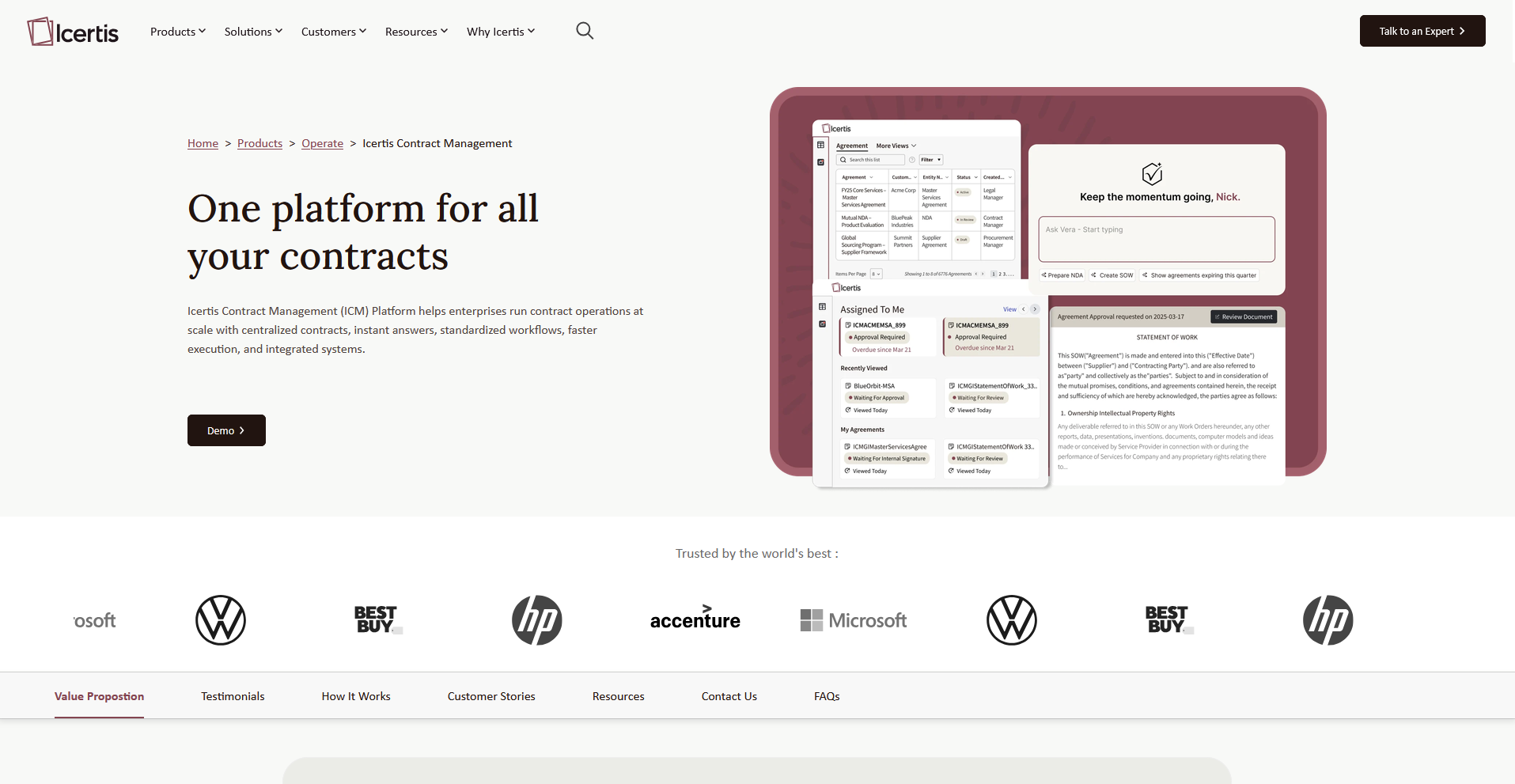
- What it does: Icertis is an AI-powered contract lifecycle management platform built to enforce policy compliance and automate audit trails across complex, high-volume contract portfolios.
- Best for: Global enterprises in regulated industries that need granular compliance controls across thousands of contracts
Icertis is built for organizations managing complex regulatory requirements across a large contract portfolio, so I looked at how its policy engine and clause analysis show up across demos and reviews.
One reviewer said the platform pays off once an organization has defined intake processes and dedicated staff for ongoing administration. But without that groundwork, the configurability becomes a liability.
Key features
- Smart contract authoring: Generates, edits, and compares contracts using AI-assisted drafting tools
- Integrated risk scoring: Flags high-risk clauses and suppliers based on configurable criteria
- Obligation management dashboard: Tracks deliverables, renewals, and milestones across a contract portfolio in one view
Pros and cons
| Pros | Cons |
|---|---|
| Advanced clause analysis and search functionality across large contract portfolios | Rigid clause and template naming conventions that can be difficult to reverse once set |
| Deep customization for enterprise-specific templates and workflows | Implementation and onboarding take significant time for new users |
| Dedicated account support that reviewers describe as responsive during complex rollouts |
What users say
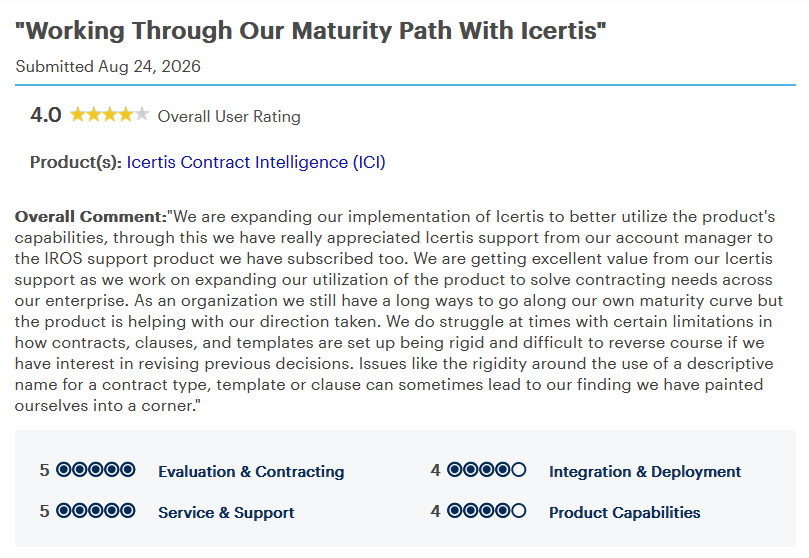
Pro: "We are expanding our implementation of Icertis to better utilize the product's capabilities, through this we have really appreciated Icertis support from our account manager to the IROS support product we have subscribed to. We are getting excellent value from our Icertis support as we work on expanding our utilization of the product to solve contracting needs across our enterprise." (Manager, Gartner Peer Insights)
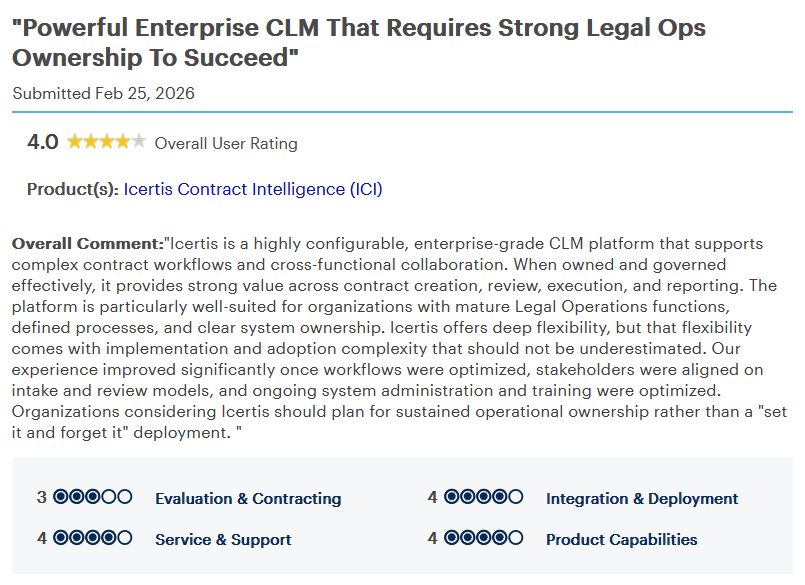
Con: "Icertis offers deep flexibility, but that flexibility comes with implementation and adoption complexity that should not be underestimated. ... Organizations considering Icertis should plan for sustained operational ownership rather than a 'set it and forget it' deployment." (Legal and Compliance Associate, Gartner Peer Insights)
Pricing
Icertis offers custom pricing.
Bottom line
Icertis's compliance engine only pays off with a legal ops team mature enough to manage it. For a team that already runs HR and finance through Workday, Workday CLM might be a better fit for keeping contract data in that same system.
5. Juro: Best for browser-native contract drafting and signing
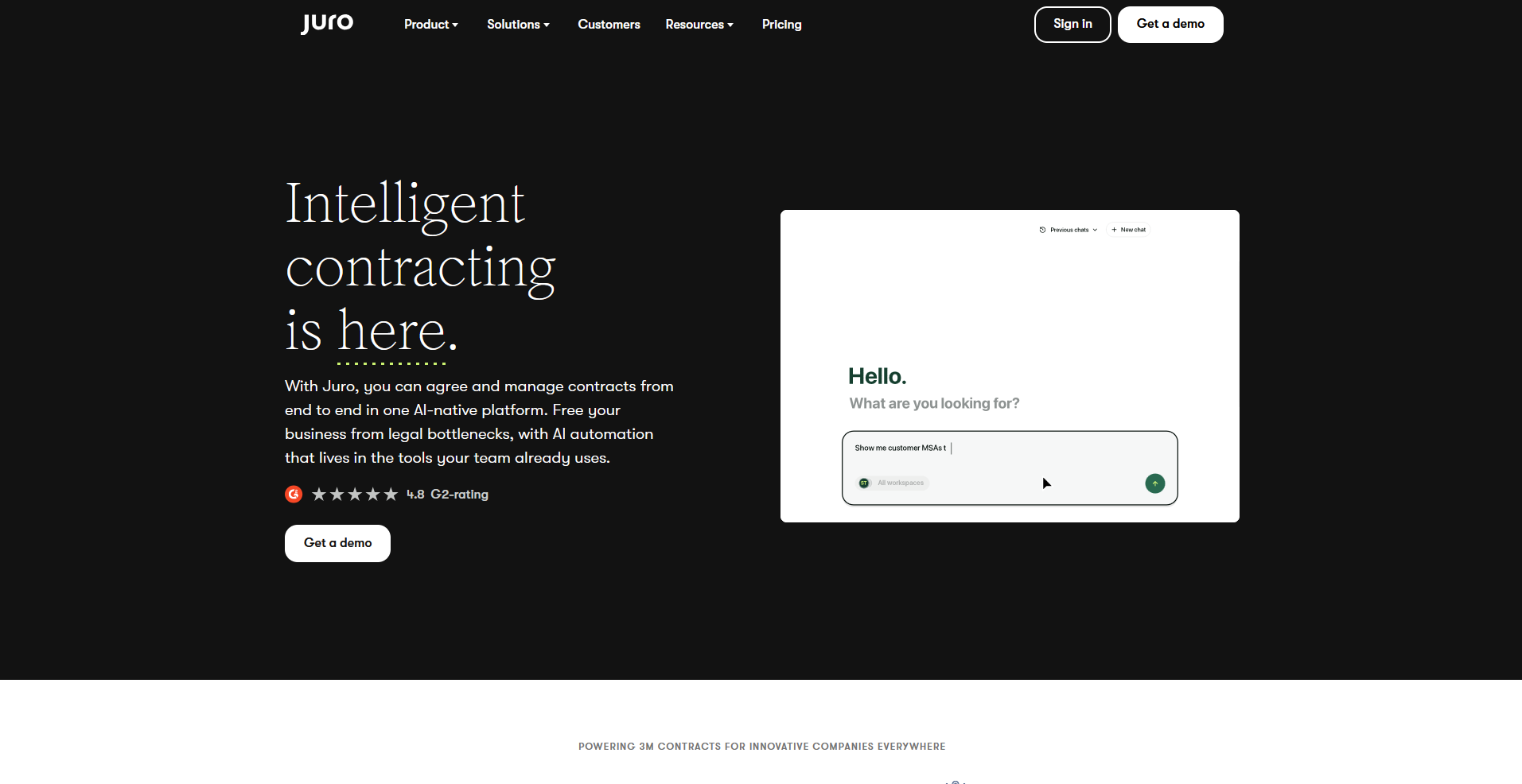
- What it does: Juro is an AI-powered contract management platform that lets a team draft, negotiate, approve, and sign contracts inside one browser-based editor.
- Best for: Business and legal teams who want the entire contract process in one tool without switching between Word, email, and a separate signing tool
To see how Juro handled end-to-end contract work inside one browser tab, I reviewed its demos and feedback from legal and business teams using it day to day.
Reviewers describe drafting, approvals, and e-signature staying in one place, with smart fields cutting down on manual entry for templated agreements.
One reviewer flagged that Juro's AI assistant, Operator, isn't reliable enough to trust without double-checking its output.
Key features
- Template builder: Creates reusable contract templates with smart fields that auto-populate contract data
- Browser-based editor: Drafts, redlines, and signs contracts within a single tab without exporting to Word
- Contract repository: Stores and searches all contracts in a centralized, audited library
Pros and cons
| Pros | Cons |
|---|---|
| Centralizes drafting, approvals, and e-signature in one place, cutting down on tool switching | Can't upload a signed PDF over a template once a contract has gone through negotiation |
| Smart fields that populate contract data automatically for templated agreements | AI assistant (Operator) needs manual double-checking |
| Internal commenting that keeps legal and business teams aligned during review |
What users say
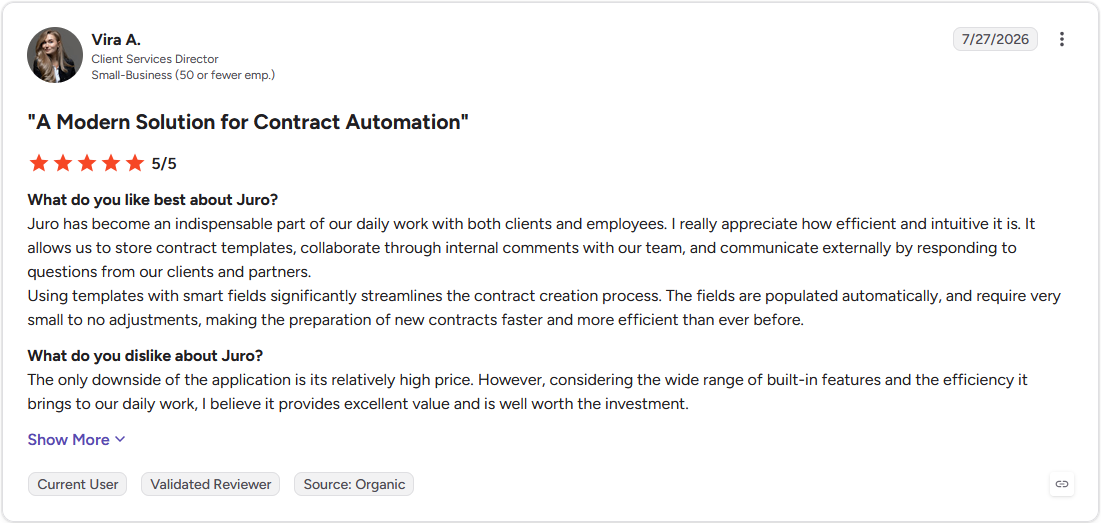
Pro: "Juro has become an indispensable part of our daily work with both clients and employees. I really appreciate how efficient and intuitive it is. It allows us to store contract templates, collaborate through internal comments with our team, and communicate externally by responding to questions from our clients and partners." (Vira A., G2)
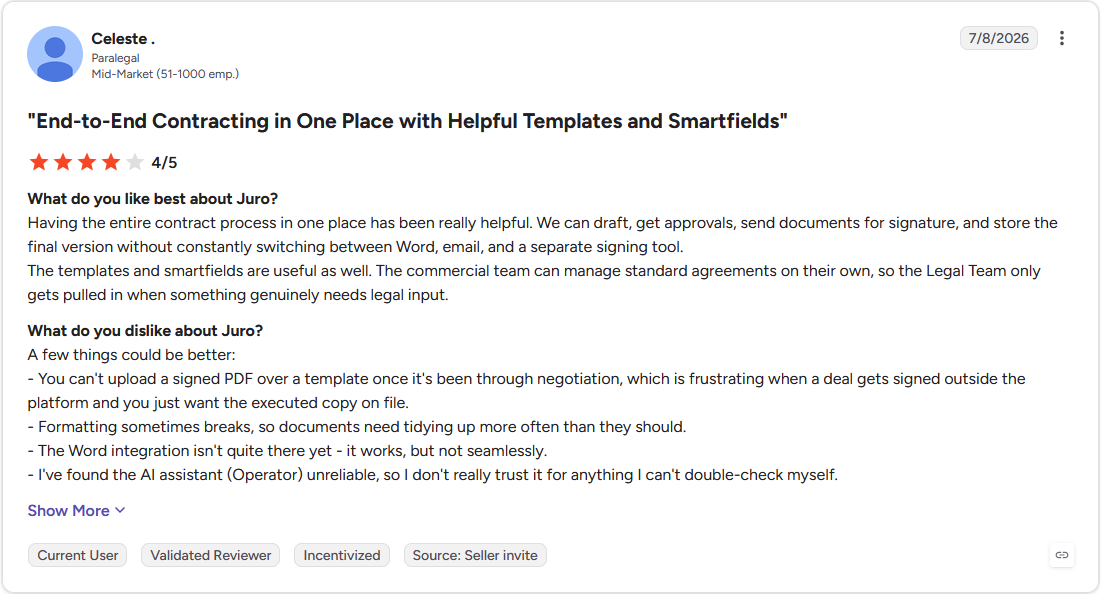
Con: "You can't upload a signed PDF over a template once it's been through negotiation, which is frustrating when a deal gets signed outside the platform and you just want the executed copy on file." (Celeste., G2)
Pricing
Juro offers custom pricing.
Bottom line
Juro's real advantage is keeping drafting, approvals, and signing inside one browser tab, without needing Word, email, or a separate signing tool. For a team managing high contract volume across multiple approvers, Ironclad could be worth a look.
Special mentions
A few more tools came up in research that didn't earn a full section. Each is worth a look if the tools above don't quite fit how your team already works:
- Docusign CLM: Docusign CLM is a contract lifecycle management platform, a distinct enterprise product from Docusign eSignature that plenty of buyers mistake for a bundled feature. It layers AI-assisted clause review and audit trails onto that e-signature base. Multi-department approval chains still need a manual step to reach the next reviewer.
- Agiloft: A no-code contract lifecycle management platform, Agiloft lets a legal team design approval chains and permission rules without writing code. Reviews describe deep customization for regulation-heavy contracts. That flexibility costs time, since advanced features need dedicated training before they pay off.
- SpotDraft: SpotDraft is a self-serve contract creation tool built around intake forms. Its obligation dashboard and AI clause flagging look built for teams managing renewals at volume. VerifAI leans toward drafting and summarizing instead of fully automated counter-suggestions on inbound documents.
- LinkSquares: LinkSquares is a contract analytics platform that extracts and organizes clause data across a portfolio for finance and legal teams to search. OCR support pulls scanned, older contracts into that same searchable structure. One catch, per reviews, is that custom reports take real training before dashboards produce anything useful.
- Spellbook: A Word-native AI assistant, Spellbook flags risky or non-standard contract terms without leaving the document. Its playbooks and benchmarking suit transactional lawyers handling everyday commercial agreements. Its scope stops at drafting and review, with no centralized repository or post-signature tracking.
Which AI contract management software tool should you choose?
The decision comes down to what system your contracts already need to plug into, and how much approval complexity or compliance weight those contracts carry.
Choose Workday CLM if you:
- Already run HR and finance through Workday and want contract data living in that same system
- Need contract status and cycle time visible in one dashboard without building your own reporting
- Want every contract change logged automatically in an audit trail
Choose Conga CLM if you:
- Manage quotes, contracts, and billing through Salesforce and want AI review built into that flow
- Want an assistant that can answer questions about a contract portfolio and cite the source document
- Need flexible templates that adapt across different proposal and quoting scenarios
Choose Ironclad if you:
- Route contracts through several approvers at the same time and need real-time visibility into where each one sits
- Want redlining and comments tracked inside a single shared document
- Need every contract action logged for audit purposes without setting that up separately
Choose Icertis if you:
- Operate in a regulated industry and need granular policy enforcement across thousands of contracts
- Have a legal ops team mature enough to own configuration, naming conventions, and ongoing administration
- Need risk scoring configured against your own criteria instead of a generic flag list
Choose Juro if you:
- Want drafting, approval, and signing to happen in one browser tab without switching to Word or a separate signing tool
- Rely on templated agreements where smart fields can populate contract data automatically
- Need internal comments to keep legal and business teams aligned during review without leaving the document
Skip this category entirely if:
- You review fewer than a handful of contracts a month, and a shared drive with version control handles it fine
- Your contracts follow the same template every time and just need a place to store and collect signatures
- Your contract volume is low enough that you just need signed agreements visible to clients in one place.
Final Verdict
Workday CLM, Conga CLM, and Icertis are strong picks for AI contract management software if your priority is clause detection, redlining, and obligation tracking at scale.
But if you also want clients to see their own signed agreements sitting next to their invoices, files, and project updates, most tools on this list stop at internal contract workflows and don’t touch the client side of that relationship.
Assembly takes a different approach. Its AI app builder generates client-facing apps, like a document collector or a client resource library, that ship directly into your firm's existing branded client experience. That way, a signed contract sits next to the billing, files, and updates you already share with that client.
Here’s how Assembly can help:
- Document collector app: Generate an app where clients upload or review signed contracts and supporting files in one place, without an email thread doing that job instead
- Built-in contracts and e-signatures: Every app you build ships alongside contract, e-signature, and invoicing tools already connected to the client experience, so a signed agreement sits next to billing instead of living in a separate system
- Permissions and branding by default: Each client sees only their own contracts and files in a space that reflects your firm's brand, with no extra login setup required
Assembly is built for service businesses that want their client-facing contract work living in the same branded space as everything else clients see. Start your free Assembly trial today.